Friday, May 25, 2012

Old Vasco Truck

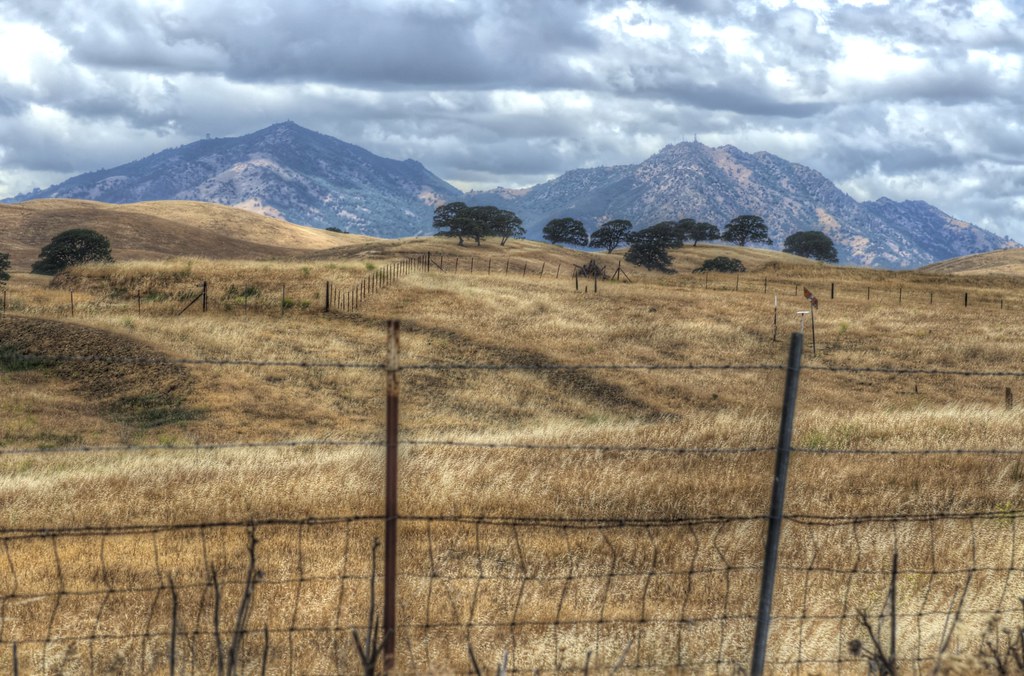
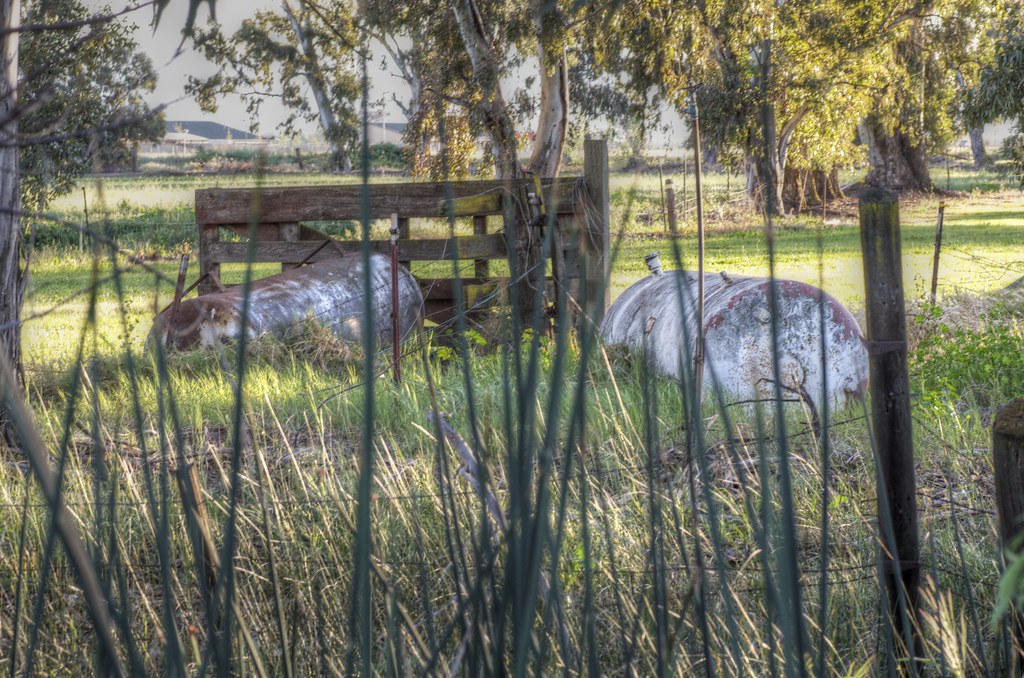
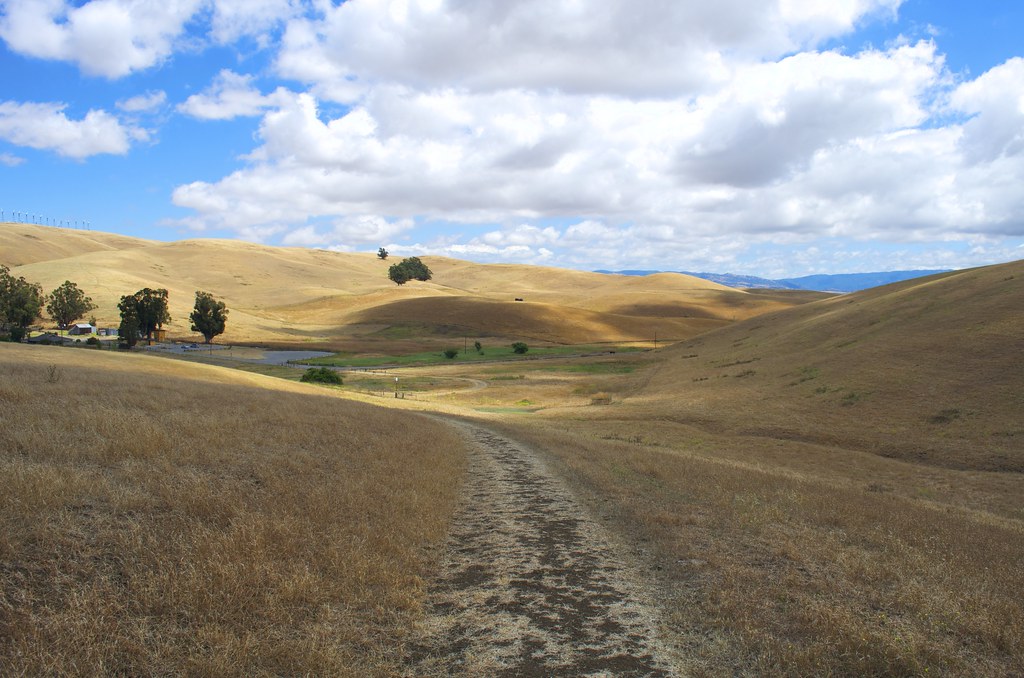
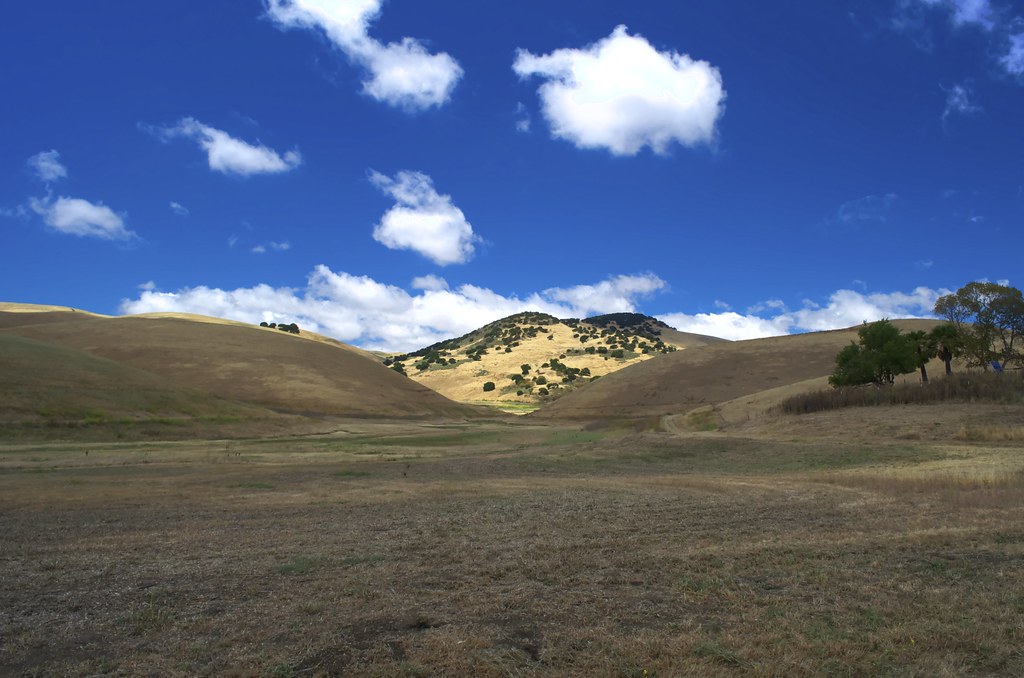
Every day I drive home from work I have passed this old truck way off in the distance under a couple of trees. It has never moved. No obvious access roads exist. Just a truck and some trees.  I did once see some ranchers in the area...

Anyway, I have always wanted to get a photo but access is not very good and the road isn't very safe, but I did find a spot to safely stop and then walk about 1/4 mile with my tripod.


When I zoom in a little I can see that the windshield appears to have been replaced by either wood or painted metal.


I took these shots with my Nikon 70-300mm lens and I couldn't get in any closer to really get more detail from the truck.  I have no idea what model of truck it is.

To the right of the truck I managed to get a nice HDR image of Mt. Diablo


Saturday, May 19, 2012

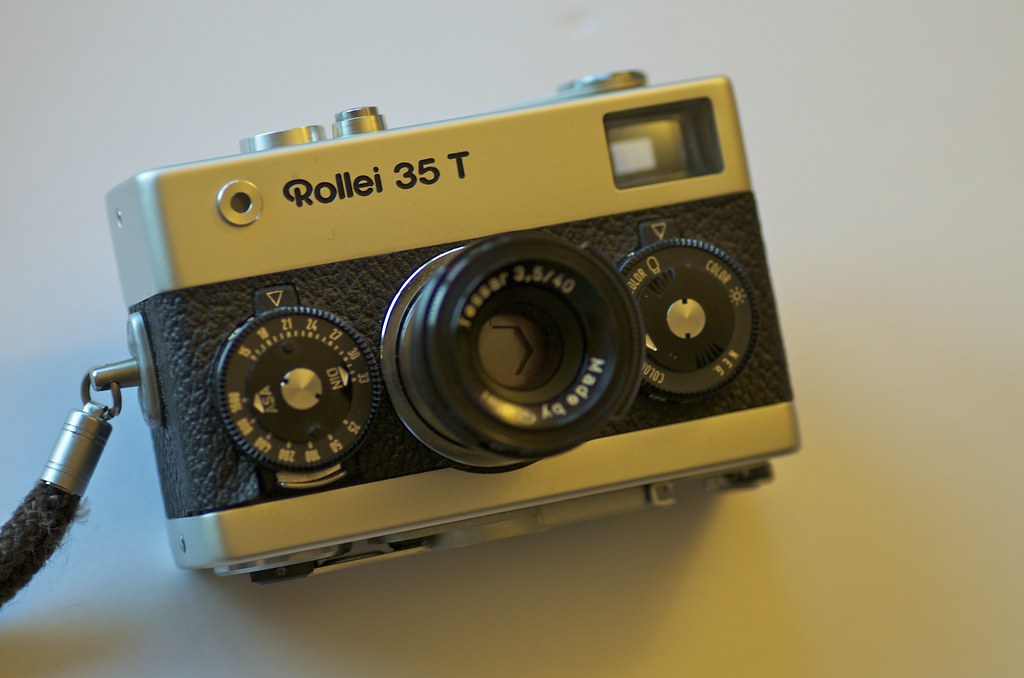
Rollei 35T Baby!


I grew up in a house full of camera equipment and a darkroom, so photography has been part of my life since before I could walk.  Yesterday I was able to get my Dad's old Rollei 35T. During my high school years this camera sat on a bookshelf in my bedroom along with a Twin Lens Reflex with is still MIA (I hope to find it one day).

My dad told me that he bought the Rollei used some time in the 70's from a camera store. At the time he believes they sold for about $150 new. Today it looks like they sell for the same price on eBay.

Looking on Flickr, the images this tiny camera can capture seem pretty great. I may go buy some film and see what happens. Assuming I can find film.

The camera is in near mint condition. Only thing missing appears to be a battery cover for the light meter, but I am sure it will work without it.

Wednesday, May 16, 2012

Costco 11.5"x14" premium calendars

I ordered a couple of premium calendars from Costco.com as "samples" to see what the quality would be like. I am not exactly sure what I want to do with the calendars, but I wanted them to be high quality enough to sell if I decided to go down that road.

My impressions:

1) The paper is thick and each page is basically laminated. The quality is nice. They come individually shrink wrapped.

2) The photos do NOT fill the entire page. You are left with large white boarders around the photo you upload.

3) An additional back page is added that seems to detail your shipping info and order info. This really is a bummer and it would require the removal of the back page before any type of sale.


If you know of any other service that provides a high quality calendar, I would love the hear about.

One other note:

Costco seems to have cropped some of the photos in a really bad way. Cutting off entire sections of an image.

The printing also appear darker then the original image.

Sunday, May 13, 2012

Macro Fun

Spent some time using my Tamron 90mm Macro this week. A few of the best shots:

Next time I post this, I will run a sharpening on the image


Thursday, May 10, 2012

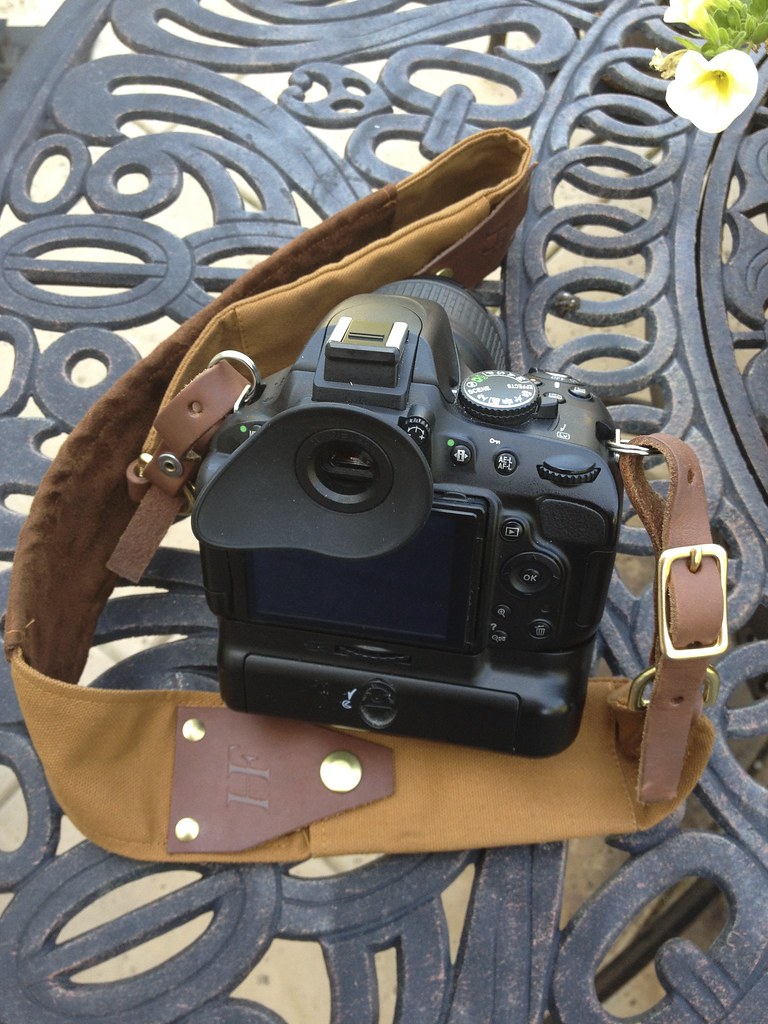
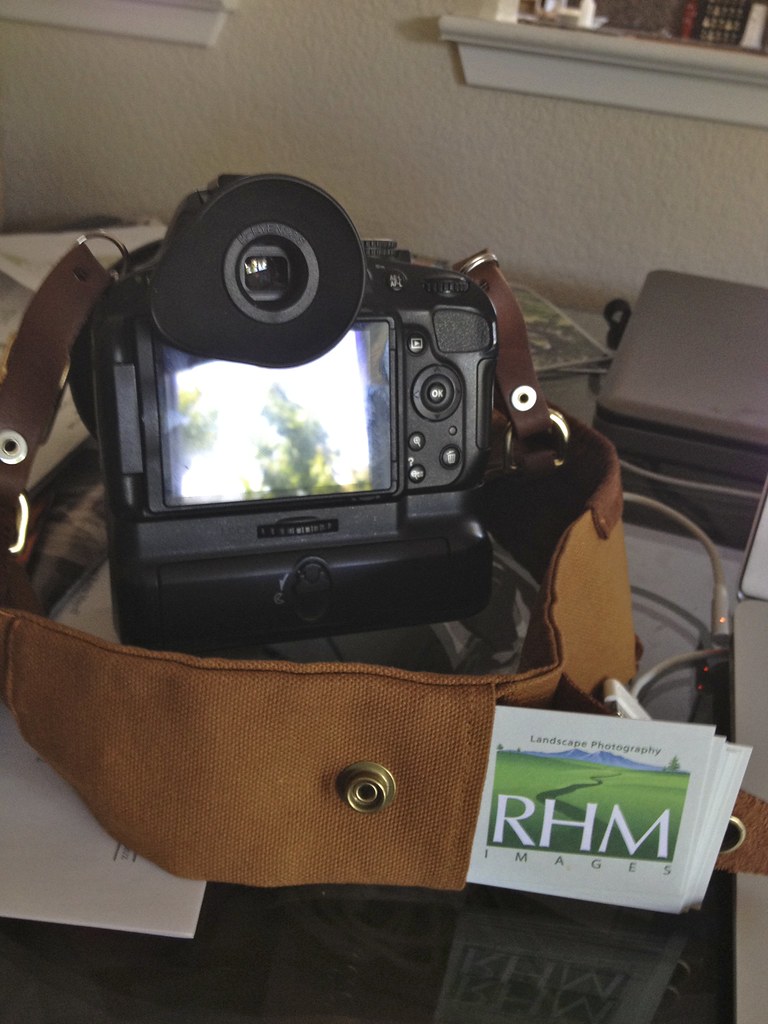
HoldFast Gear RuckStrap Unboxing, Review and gallery

I am not exactly sure how I learned about HoldFast products, but it was probably from someone I follow on Twitter. As soon as I looked at the products page I was hooked. I had been searching and searching for a camera strap that could hold business cards and other items and I honestly could not find anything of quality so when I saw the RuckStrap, I had to buy it as a replacement for the Nikon strap that came with my D5100.

I love small companies and I love when someone creates a quality product that is unique, well made and functional and that is a great way to describe the RuckStrap.

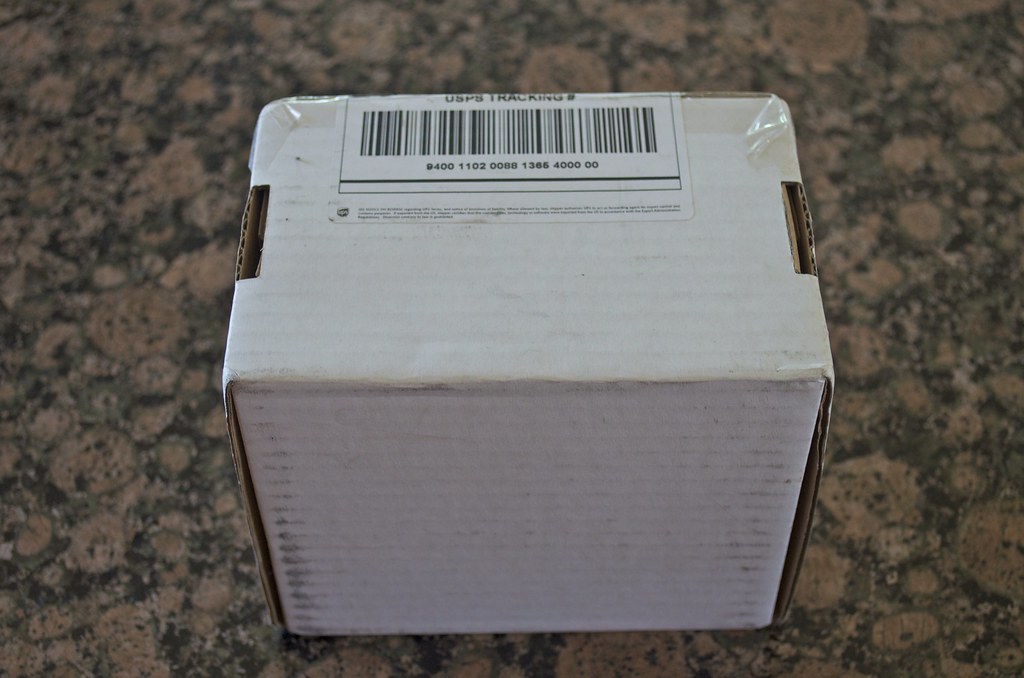
My overall experience:  I contacted Matthew Swaggart, CEO of Holdfast and asked him if they had the RuckStrap available for sale and he was nice enough to make a pre-production unit available for me to buy.  He sent me a paypal link and within a few days it was in the mail.  I got my box in about 4 days.


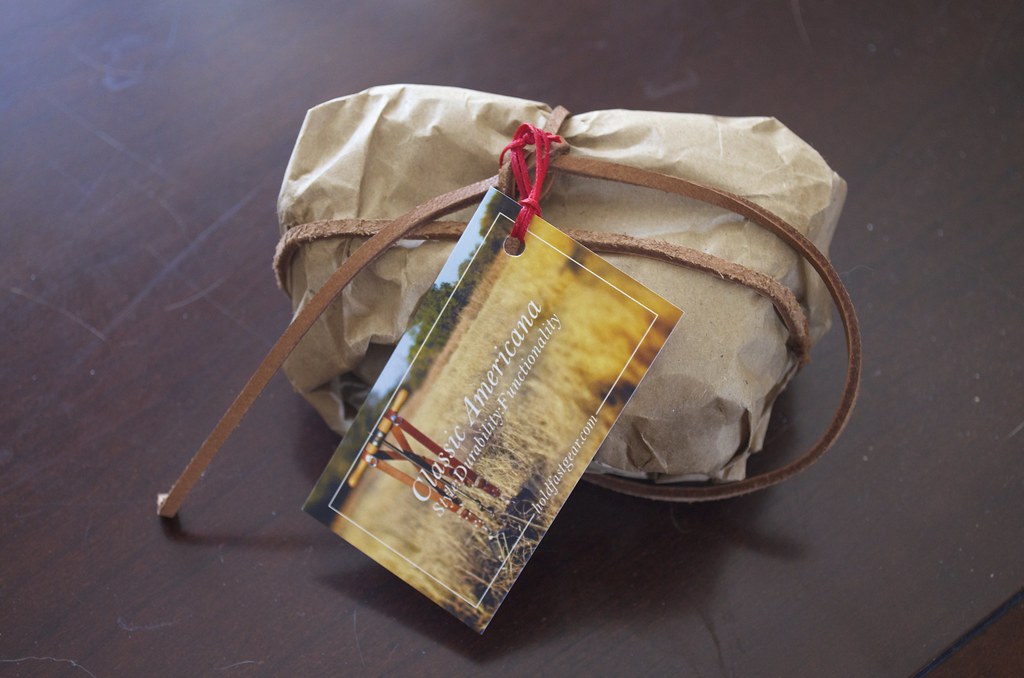
I opened the box to a nicely leather wrapped package.


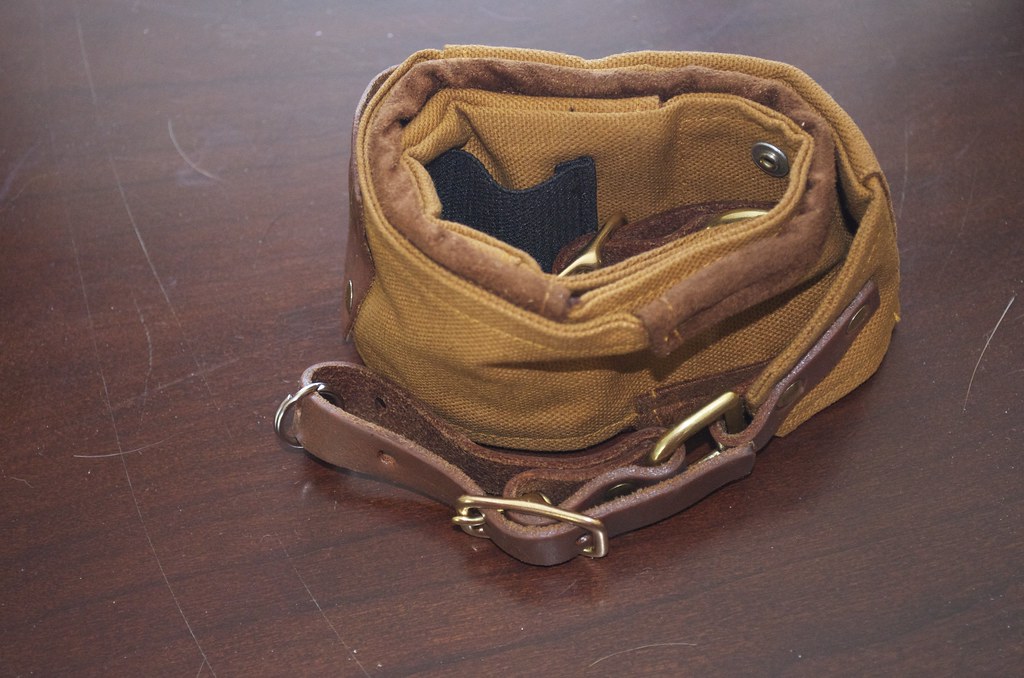
Upon unwrapping the paper I found a soft and warm to the touch camera strap. I was really expecting something that would take some time to "break in" but in reality it just isn't needed.

As the following photos will show, the attention to detail can be seen in every aspect of the RuckStrap


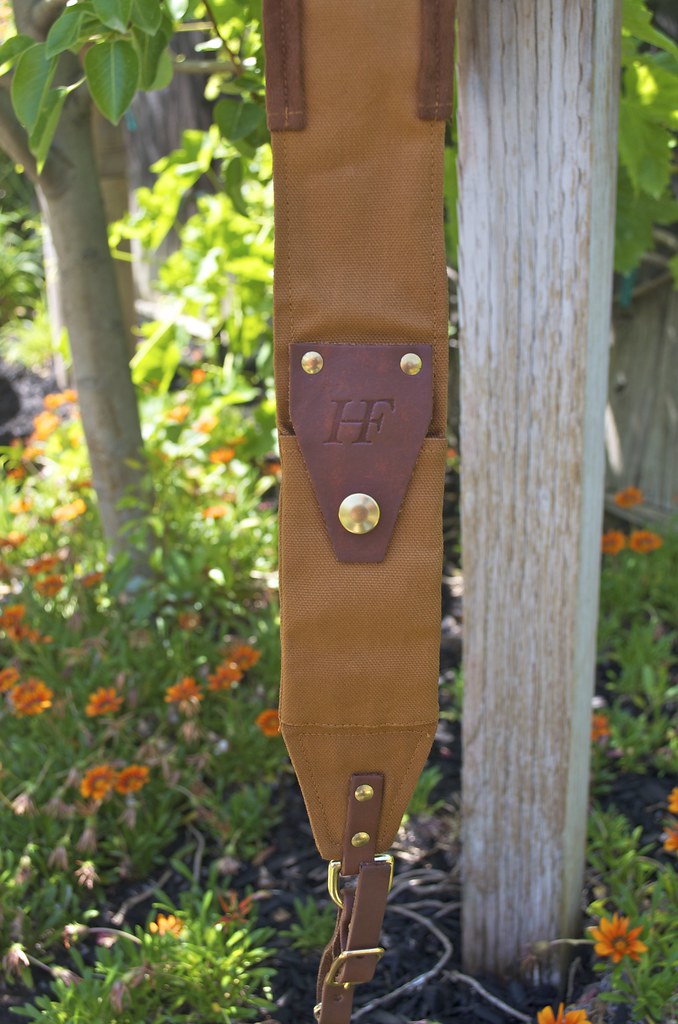
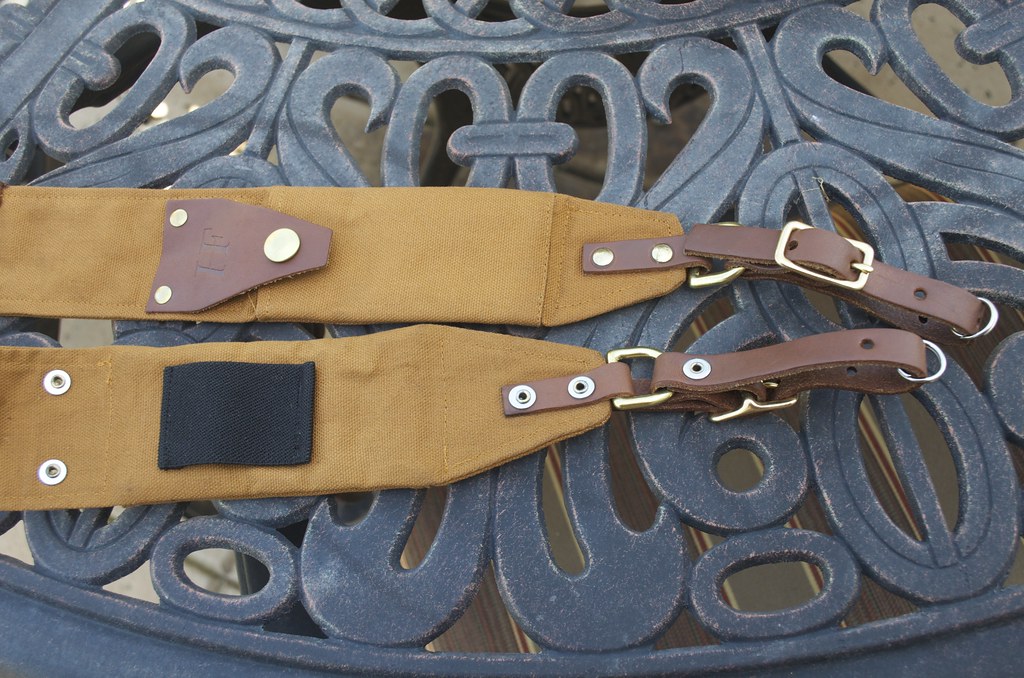
The brass buckles are solid and well made. The holes are places well and the leather is thick.
Quality stitching that I expect to last a very long time


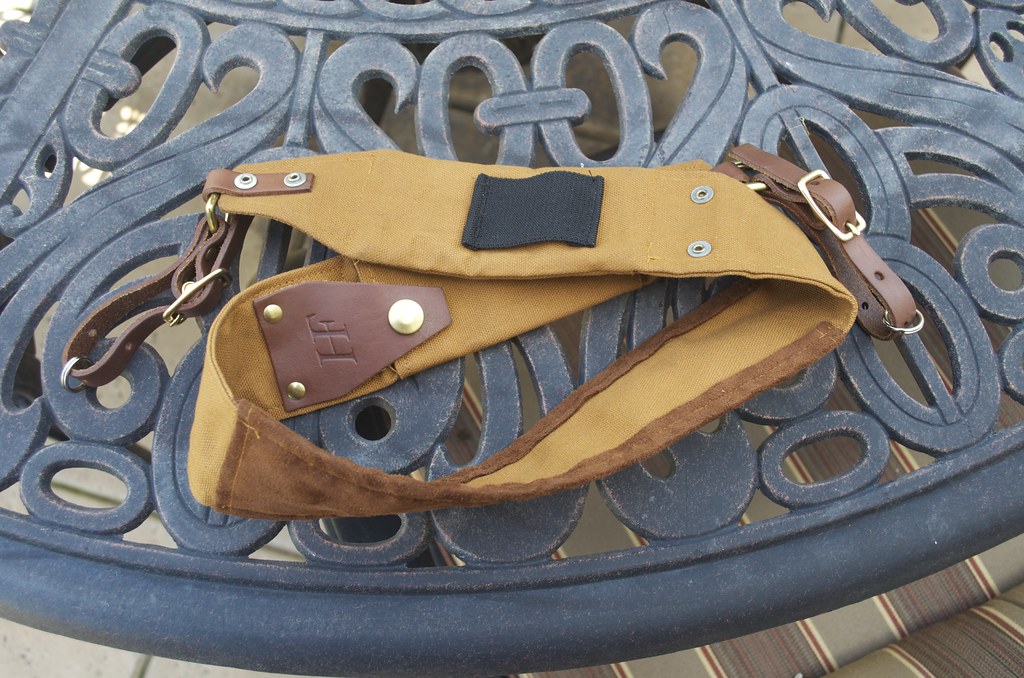
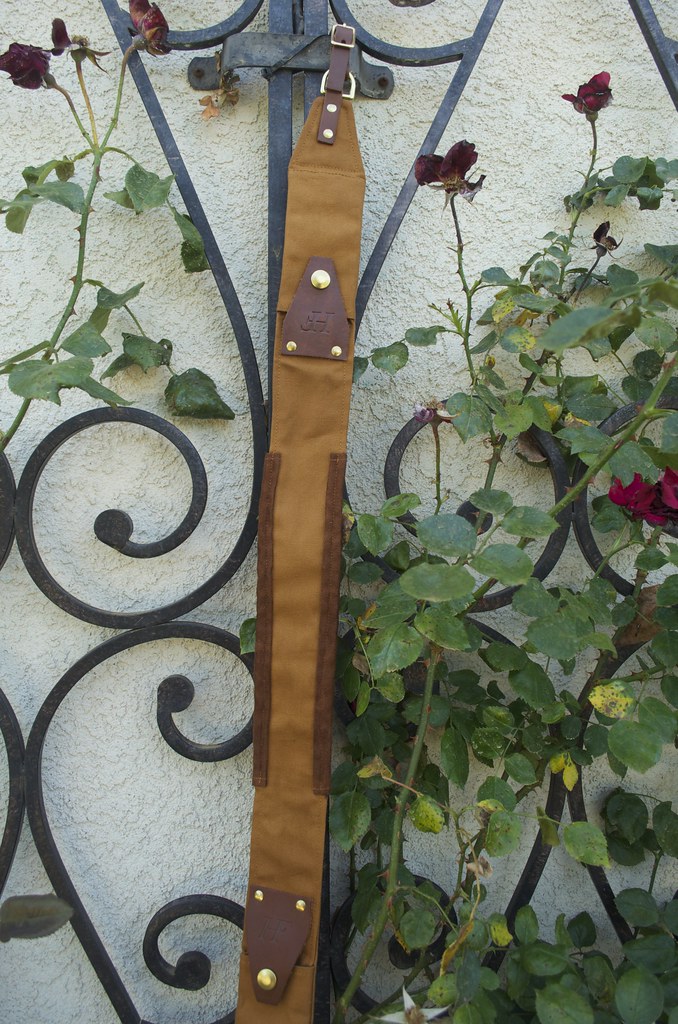
On one side of the strap you will find a pouch to hold business cards and batteries held by a solid snap. On the other side is an elastic strip that is open on both ends.  You could use it for batteries, or maybe even loop something through it.

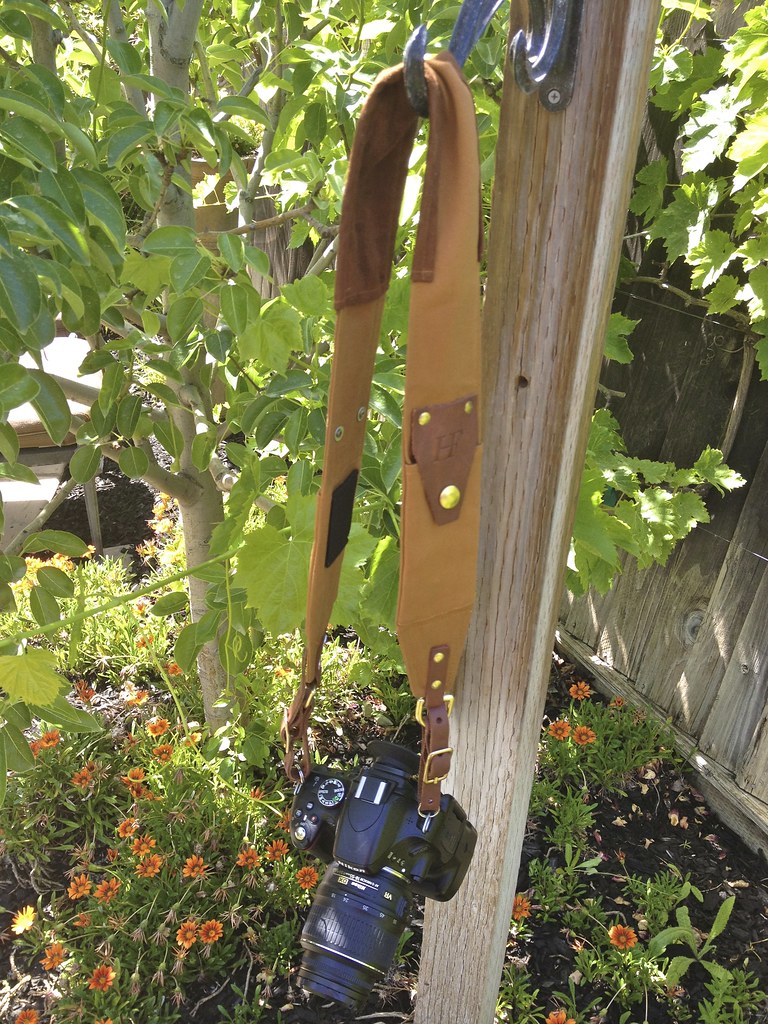
Overall length is perfect for me, and I am a pretty large guy at 6 feet tall.
On the other side of the strap is a soft strip for your neck. Very comfy.

Attaching the strap to my Nikon D5100 seemed to work best by using the provided metal rings rather then running the leather through the hooks built into the camera.  The leather was just a little too wide to run directly through the camera.  The metal rings seemed to give the camera good stability still and flexible movement.


Business card holder has a lot of room
Overall I highly recommend HoldFast and the RuckStrap. Do yourself a favor and check out the product line.

(Images taken with Nikon D5100 with the 18-55mm Kit lens and with an iPhone 4S)

Wednesday, May 9, 2012

Bug Macros

The yard was full of little flying creatures today so I took out the Tripod, Macro Slide and Tamron 90mm Macro lens...


Friday, May 4, 2012

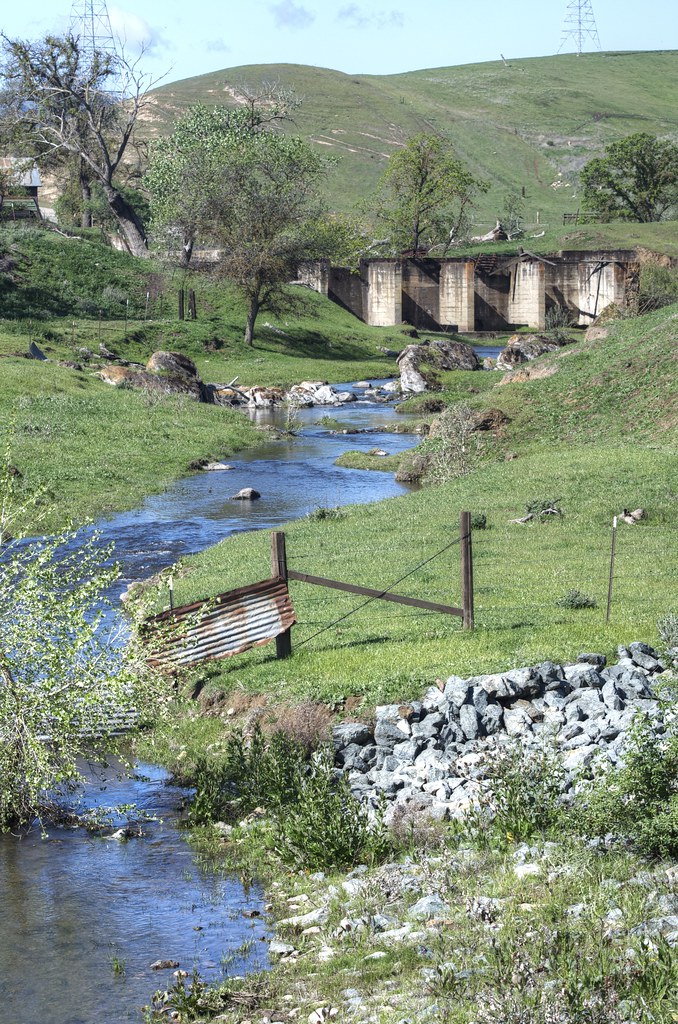
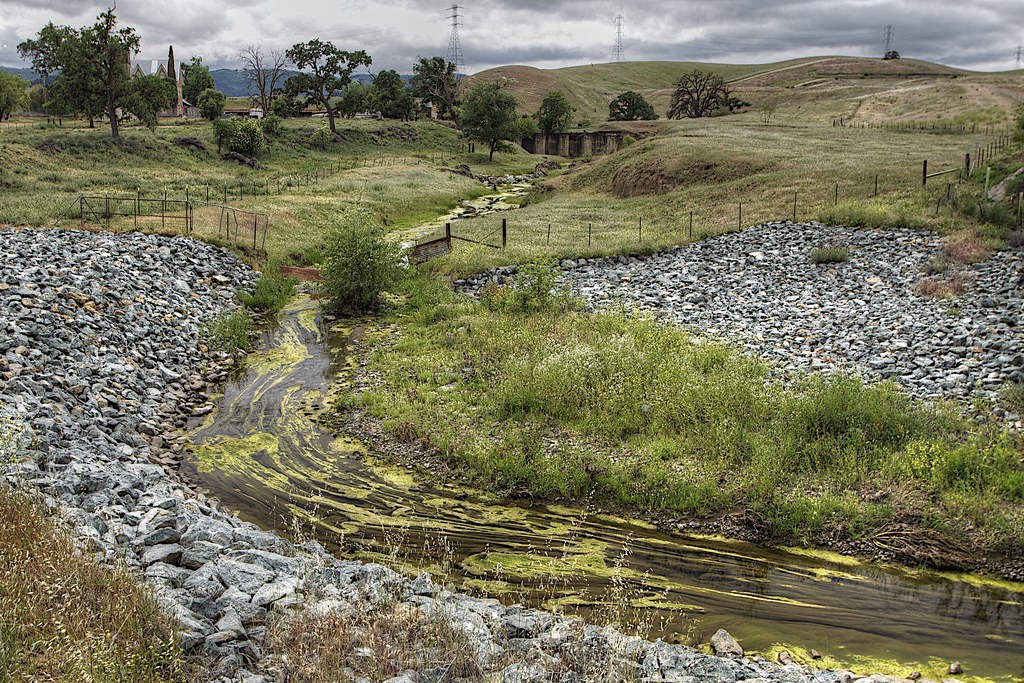
Changes at Marsh Creek

It is pretty interesting to see how much the water has changed in a short period of time over at Marsh Creek

April 1st 2012

May 4th 2012

Tuesday, May 1, 2012

Cows of Brushy Peak


Currently my favorite picture. I wish I had been able to get closer, but I was blocked by a fence.

Shot with the Nikon D5100 and Tamron ultra wide angle lens

Friday, April 27, 2012

What is normal?

I will find a location and shoot maybe 5 to 20 shots of a single item. Sometimes a little more. Mostly due to limited time or access. I then get home and hate every shot. Either my framing sucks or my focus is total crap. It's a horrible feeling. I usually try to fix my mistakes in aperture and hope for the best.

I read some photographers take 2000 shots of a single subject. That makes me feel a lot better. If it takes a pro 2000 shots, then how can I get something great with only 10? Luck maybe?

Then comes the question, is it ok to manufacture the sky? Import it from an unrelated image. Is it ok to remove an electric tower from the landscape? Add a person or two? Maybe. I prefer to share a realistic vision of the subject rather then create "art" that didn't exist.

Thursday, April 26, 2012

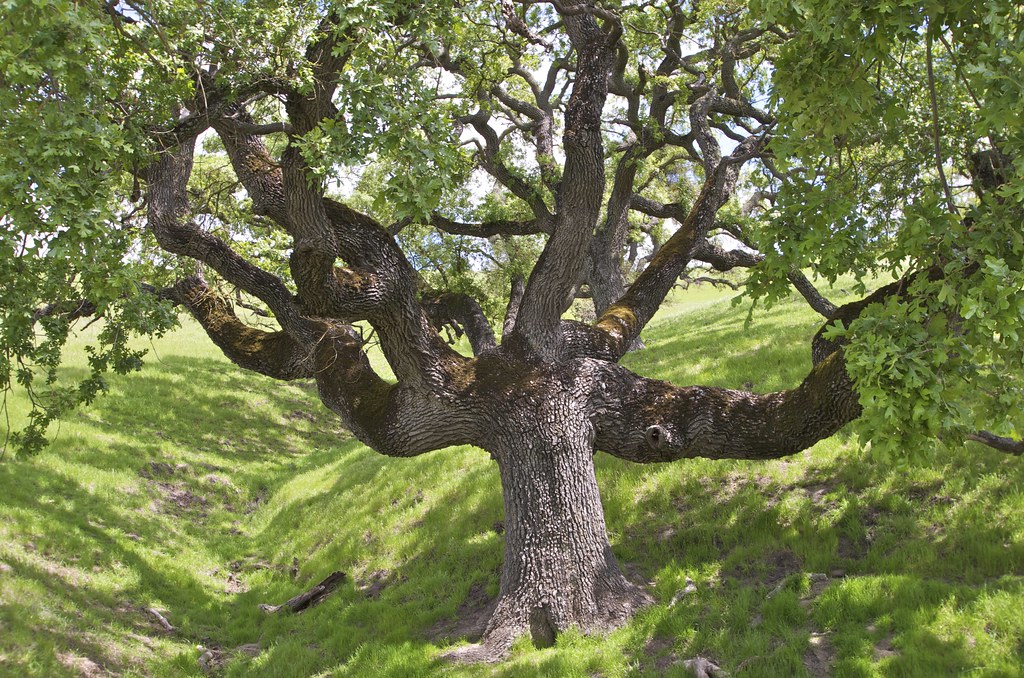
The Oak Tree


This photo has become my most popular image on 500px.  When I look at the picture, it almost looks like a painting instead of a picture.

Very little processing was performed.

Shot with Nikon D5100 and Tamron Ultra Wide angle lens.

Tuesday, April 24, 2012

Holdfast Camera Strap

I ordered a Holdfast Ruckstrap today for my Nikon D5100.  I am getting a pre-production version and it should ship next week.  Holdfast seems to make some pretty nice leather products. I exchanged a few emails with the CEO of the company and he was very nice and answered all of my questions.

I will post a full review when it arrives.

Sunday, April 22, 2012

What's in my bag

I decided to switch from the Kata bag to my LowePro Fastpack 350. I am making the switch mostly because of the shoulder straps and padding. The Fastpack is by far much more comfortable then the Kata bag I was using.

Good time to show off what is in my bag.  Photo taken from my iPhone so it isn't the best picture.

Only thing missing from the shot was my laptop

Thursday, April 19, 2012

Photo Fail

Nothing worse then going out for an evening drive with the camera and all the photos are total crap.

The one building I thought would make a great subject would have been good if I had used better framing. I may return again in a few days and try shooting it again.

The field I tried to shoot was in direct sunlight, which really made most of the shots look horrible. This is the only picture that came out even a little bit ok, but it is still crap:


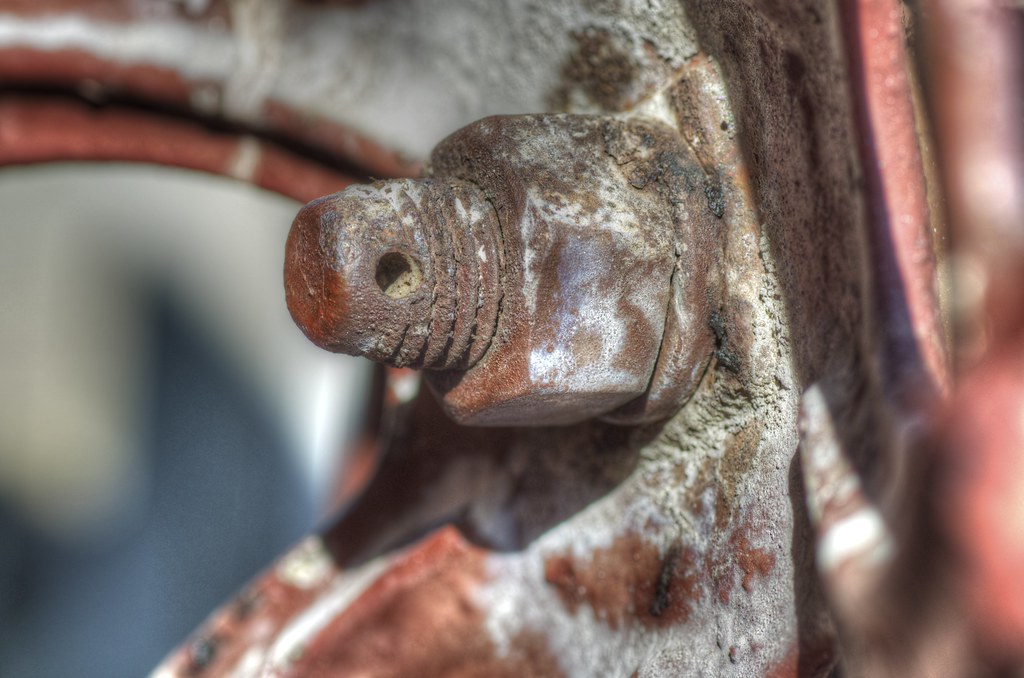
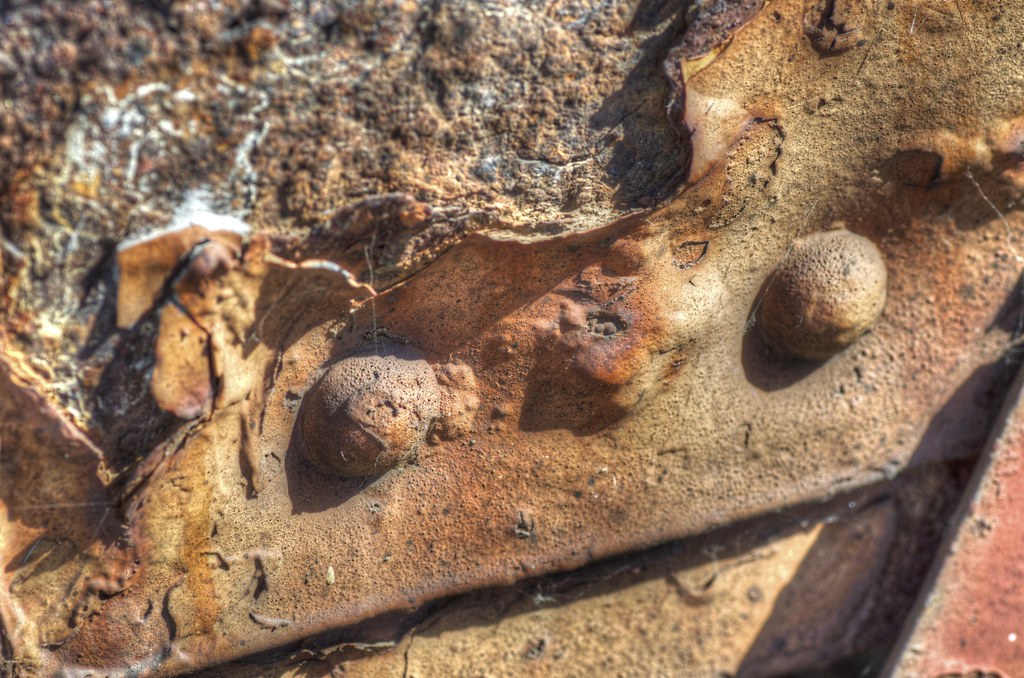
I tried to shoot some rusty bolts with my Macro lens, but didn't bother with the tripod, so everything was out of focus. #fail


Monday, April 16, 2012

Vasco Caves

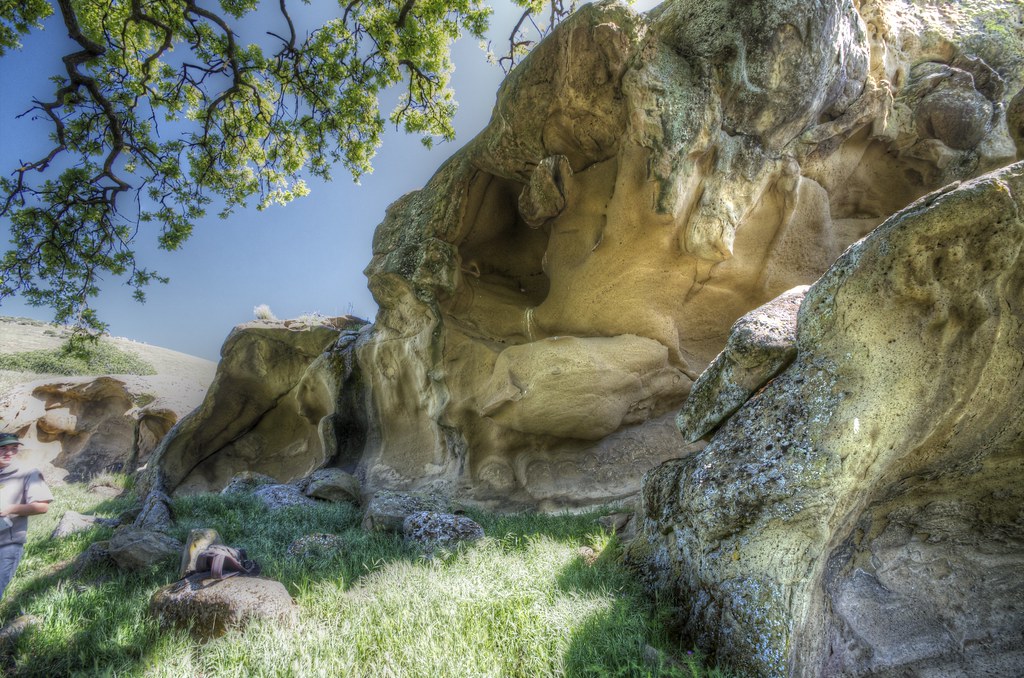
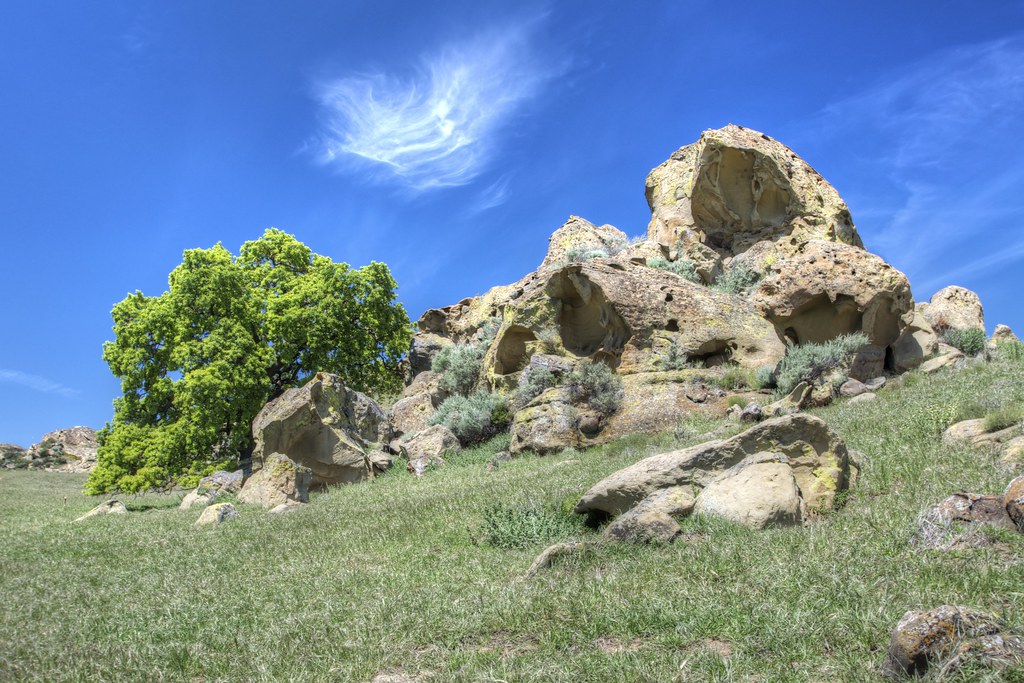
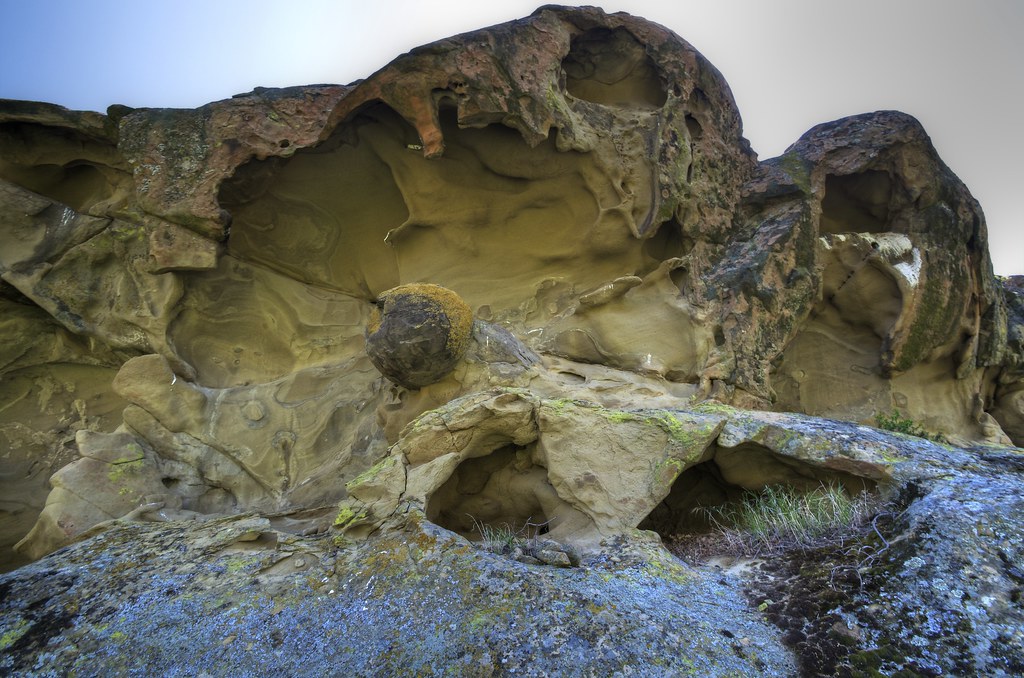
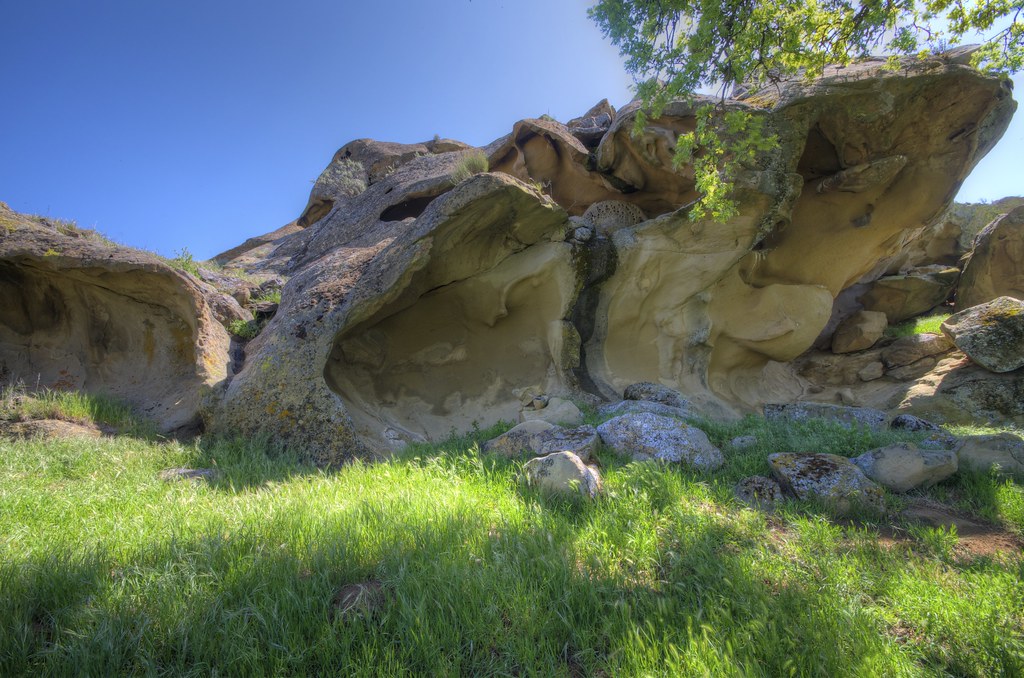
On Sunday I went to a place called Vasco Caves in northern California. These caves were used by native americans going back 10,000 years.

In the 5 hour guided tour, I filled 2 Eye Fi memory cards and took about 500 pictures.  A few of them came out really well and I will post a few of my own favorites below. It is hard to get a lot of "idea" shots when you are surrounded by 30 other people on the tour, but I got lucky with a few.


I am used to shooting landscape objects at a great distance with the Tamron Ultra Wide Angle lens, but on this trip, I was up close several times and I learned a lot about the limits of the lens.  For one thing, if people are standing at the edge of the frame, they gain a lot of distortion. Very much in a fisheye style.  It really wasn't something I typically see.  I tried to adjust for this in Lightroom 4 by selecting the profile for the lens and it really did not fix the strongest of the problems, so I just didn't use the problem shots.

Typically when I do shoot, I really avoid getting people in my shots so I can focus on the landscape itself, but the caves were just so massive, the addition of people really helped bring things into scale


A few more of the more interesting shots


HDR with 3 bracketed shots

150 images from the trip can be found over on my flickr page.

Thursday, April 12, 2012

Expert Backup Advice


When I am not out shooting photos, you will find me as the Director of Support Services at a Backup Software company. In a few months it will be 18 years of experience helping photographers, film makers, musicians, and people in every other industry protect data from dataloss.

So in this post I want to offer a few tips and thoughts about how to protect your photos from total dataloss in the event of a computer crash, house fire or theft.  Trust me. It happens. I have talked to people who have walked into the office to find every single computer GONE overnight. 

What would you do if the computer you use for all of your photo editing just walked out the door? Do you back up? Do you take your backups out of the building?


My tips:

1) Backup EVERY DAY, even if you only made a small change to a single photo. Just opening Aperture on your Macintosh changes the photo library. You really should get those changes backed up.

2)  Back up all files. The item you exclude from your backup today will be the item you need tomorrow. You would be shocked how much work it takes to remember all of your old settings after buying a replacement computer.  A good backup will protect ALL of the settings for photoshop, Aperture and your operating system. Do you know how to find all of the preference files for photoshop on your hard disk?  What about your presets?   But if you back up all files, you can restore all files and all settings.

3) Backup to multiple backup devices. Have a Backup A and a Backup B and swap between them on a regular basis. Once a week, once a month. That is up to you. You can never have enough backup or enough redundancy.

4) Take a copy of your data "offsite". If you back up onto a hard disk, store a copy of your backup data at a friends house or at the bank. This protects you against theft or fire.

5) Schedule the backup. I am someone who never turns off my computers. This allows me to schedule the backup to run at night when I am sleeping.  It is automatic and I don't need to think about it.

6) Test the restores. Check the backup logs to make sure you are not getting any errors. Do a test restore of selected files every few months just to make sure it is doing what you think it should be doing.

7) Drag and Drop is not backup. It does not perform a byte for byte verification of your data. A backup program can identify all of the changed files. You will miss data with a drag and drop. Trust me.

8) Flickr is not a "backup" either. Just because you have uploaded your data to Flickr does not mean you will have access to all those RAW files if your computer crashes


Backup Hardware:

Disk:
You have a lot of options.  The most common backup device is an external USB hard disk. They are not expensive and it doesn't take a lot of technical skills to plug them into your computer.  Because the sizes keep getting smaller, they take up a limited amount of desk space.

You can now get 2TB hard disks in the $120 range. If you purchase 2 of them, you still are not breaking the bank.

What should you buy? I look for the longest warranty with the best price.  I will avoid suggesting any specific brands. You can buy USB hard disks at Best Buy, Amazon.com and pretty much any computer store.

Buy a disk that is much larger then you need. Give yourself room to expand over time. Give yourself room for incremental backups of your data. Customers call for tech support all the time because the backup failed due to low disk space. If you invest in a big drive to start with, you will reduce a lot of pain later. Consider 2 or 3 times the size of the size of the disk containing all of your photos.  I currently have about 500GB of data. A 2TB hard disk is perfect for me.

Tape:
Tape is a LOT faster then you might think and it is very reliable. The problem is the hardware is much more expensive then a hard disk. Also tape drives tend to require more hardware troubleshooting for initial setup and troubleshooting later.  If you have an IT guy to help, tape might be a great solution for you if your data needs are really high.

Optical:
I am not a fan of optical disks. You might think "DVD's last forever". That is not really true. They can warp, they can crack. They can delaminate even.  You might be able to read your DVD+R media today, but 5 years from now it is possible that the disk will be blank when you attempt to use it.  Also optical drives are becoming less common. Apple doesn't include them in some models of MacBooks and in a few years you might have a hard time locating a DVD drive.

USB Flash disks:
As the size gets bigger and bigger while prices go down, these might be a great option. Today they are too small.

NAS:
Network attached storage is really good if you are comfortable with a more complex setup. You need to be prepared to re-connect to this device in the event of a computer crash. Would you know how to re-connect to it over your network?  A USB hard disk directly attached is a faster backup device compared to a NAS.

Cloud:
Most of us have internet connections with a very slow upload speed. This makes the backup of your entire computer pretty hard to finish in a short amount of time. Some ISPs are also limiting bandwidth now.


Backup Software
I am pretty biased in this area because I have worked for the same backup software company for 18 years, so I trust our products and I think they are the perfect option for most people.  For other people, TimeMachine is a great product. I actually use my own backup software twice a day on a schedule (Macintosh and Windows), but I also use TimeMachine too. Some hard disks come with backup software, but you should look at that software carefully and make sure it has all the options you need and can automatically perform your backups safely. See the tips above.  

Keep your data safe! 

Not Good Enough for Stock Photography?

I submitted 10 sample images to a large stock photography website to see if I could "pass the test" and be accepted as a Stock photo contributor.

The good news is I had enough quality photos to "pass the test" and be accepted into the service as a contributor.  But the bad news is they rejected 3 photos that I happen to think are really good.

You can now be the judge. Do you agree with the assessment? I would love your feedback.


I can understand rejecting this photo as something that most "stock photo" customers would not really use.  The official reason was "Composition--Limited commercial value due to framing, cropping, and/or composition."


I happen to think this is a pretty good photo. Maybe you won't agree with me. Reason for rejection "Lighting Problems--Purple fringe, blown highlights or lenses flare."


This is one of my  most popular images on Flickr. In fact, an almost identical image from the same shoot, on the same day was published in a San Francisco Bay Area regional parks guidebook. Reason for rejection was "Lighting Problems--Purple fringe, blown highlights or lenses flare."

The stock photography site was Shutterstock.  My general feeling about the overall experience? I am not going to make contributions to the site.  I just don't have the time to submit 100's and 100's of images in hopes of making a few bucks on the side. Each photo you upload requires at least 7 tags, a clear name and then other category options selected. Then you have to wait for image approval.  This would turn into a full time job.

As a side note, today is a day for rejection. I tried to join the Flickr group "Flickr's Best Landscape Photographers". No luck. It is an exclusive group of about 300 people. Some of the images are pretty amazing. I will keep shooting until I can get my skills high enough to join. One of the contributors lives in my area and shoots in some of the same parks. His work is truly amazing.

Wednesday, April 11, 2012

Getting the most from Flickr

I am no expert on SEO or getting hits on my photos but after using Flickr for close to a year, I think the key is "groups".

If you join groups that match the topic of your images and submit your photos to the groups, you will get traffic.  It seems to be a great way to get exposure from people with common interests. In some cases you will submit your image to 3 or 4 groups (or more), but that will just increase the exposure. You will start getting feedback from other photographers.

1) Tag your photos. Make sure the tags really fit your image
2) Search for groups that match your photo. Example searches: Nighttime, B&W, HDR, Nikon
3) Join the groups that best match the photo and add them.