Monday, May 27, 2013

Reflections on 2013

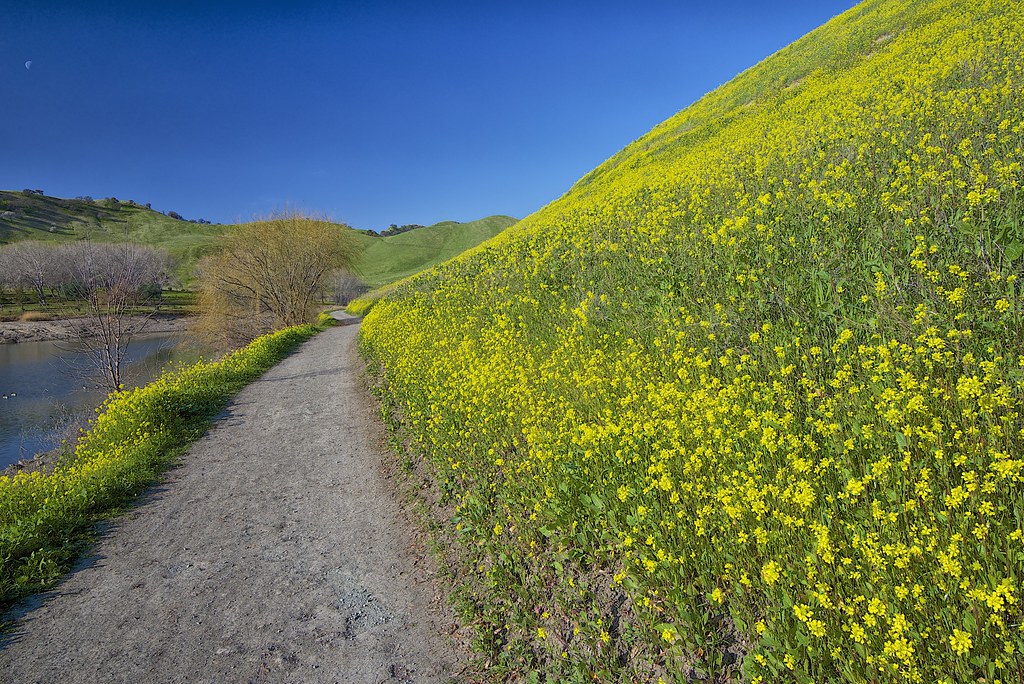
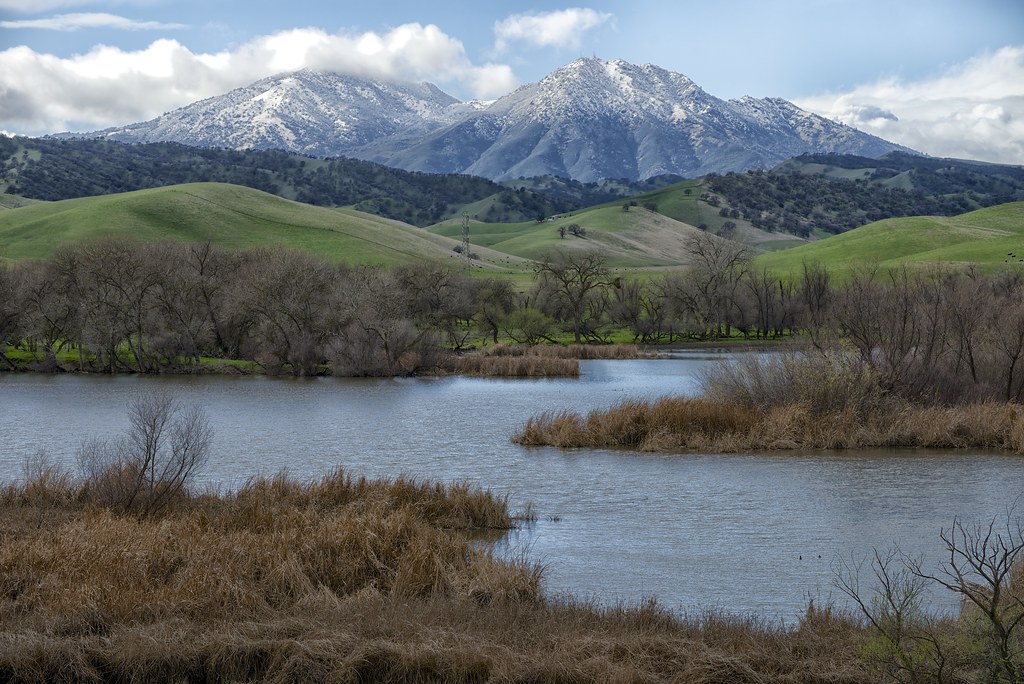
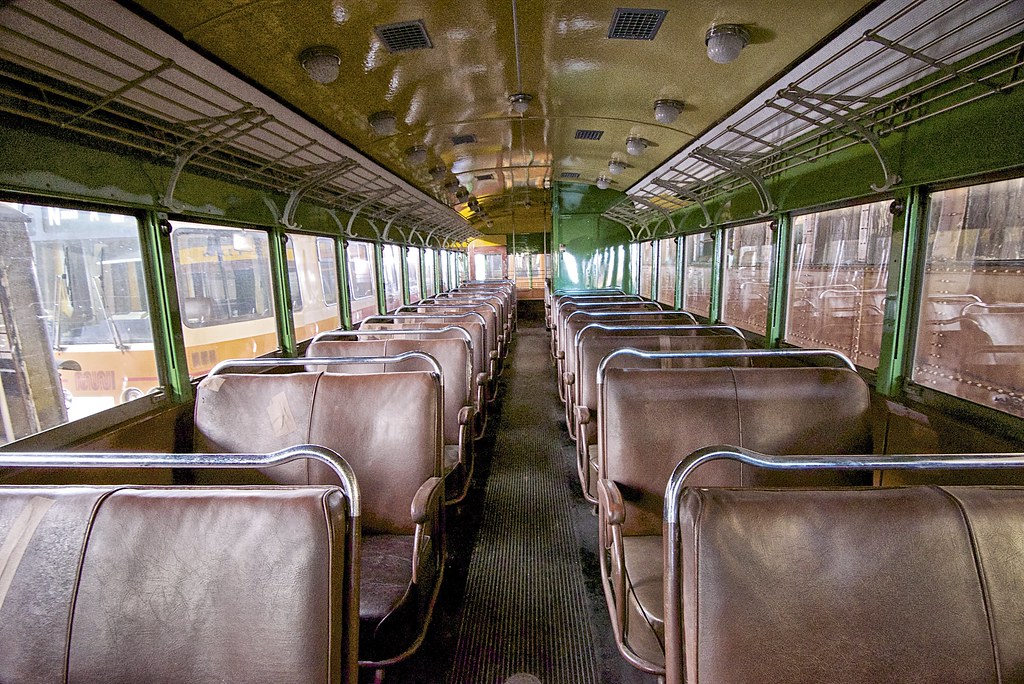
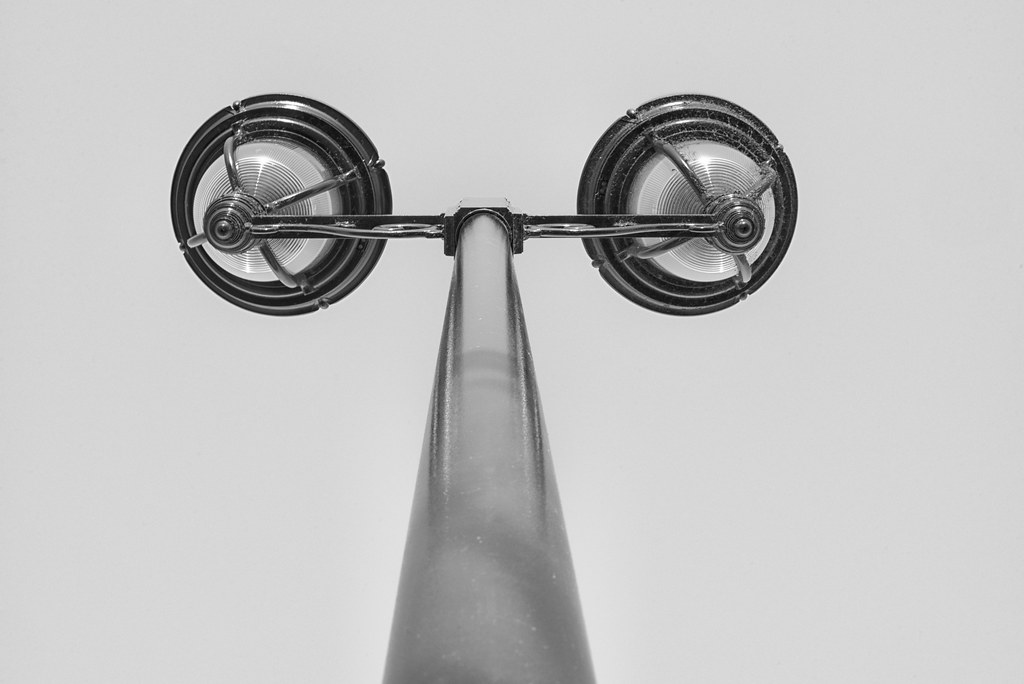
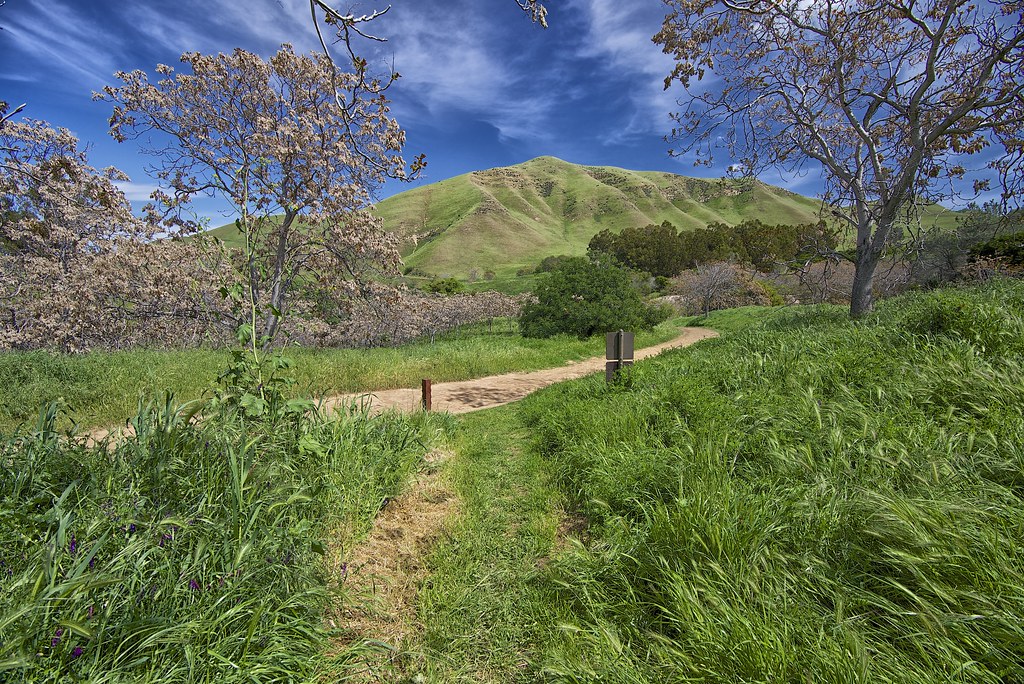
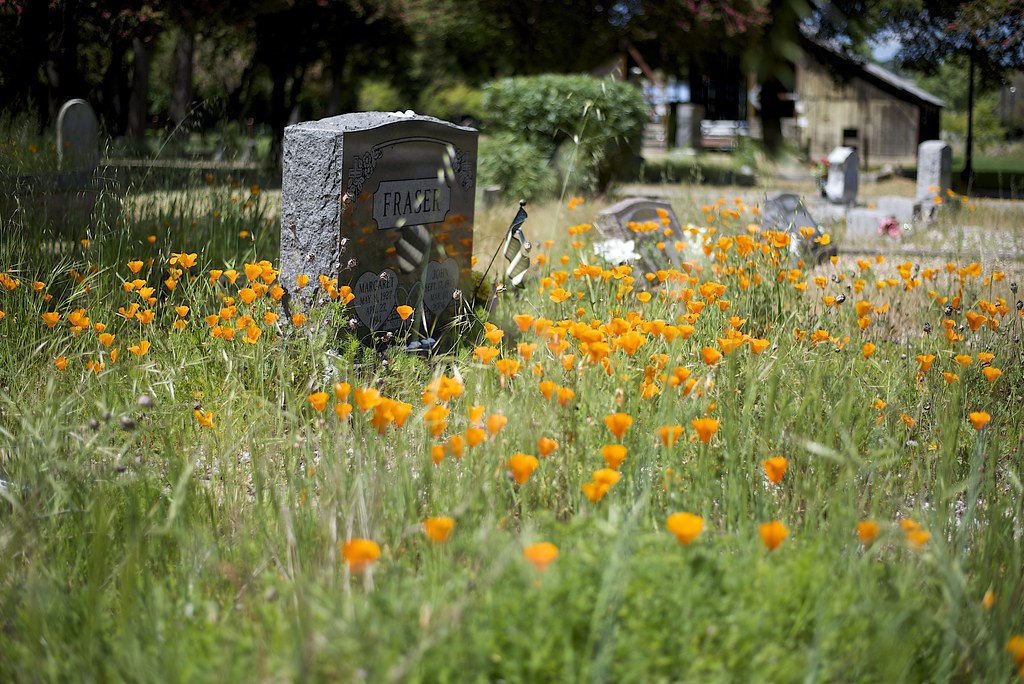
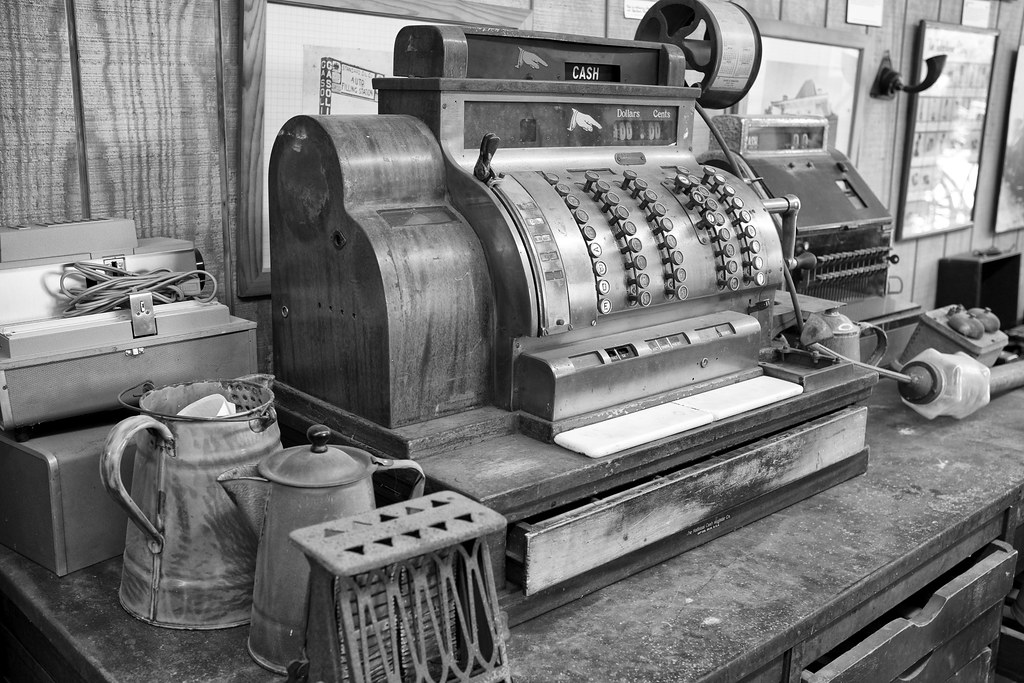
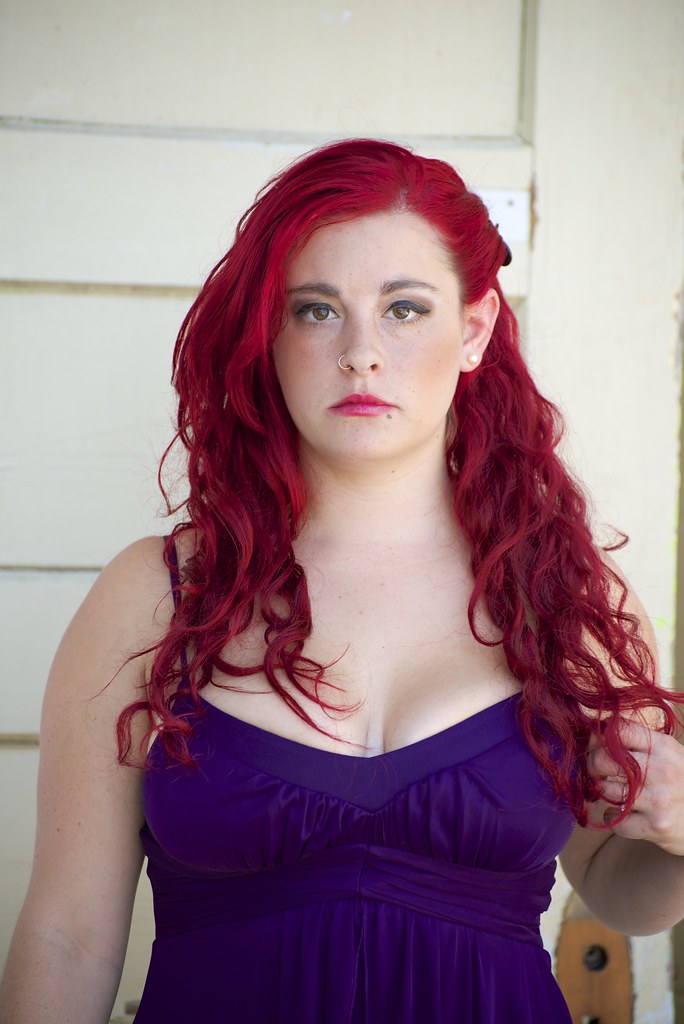
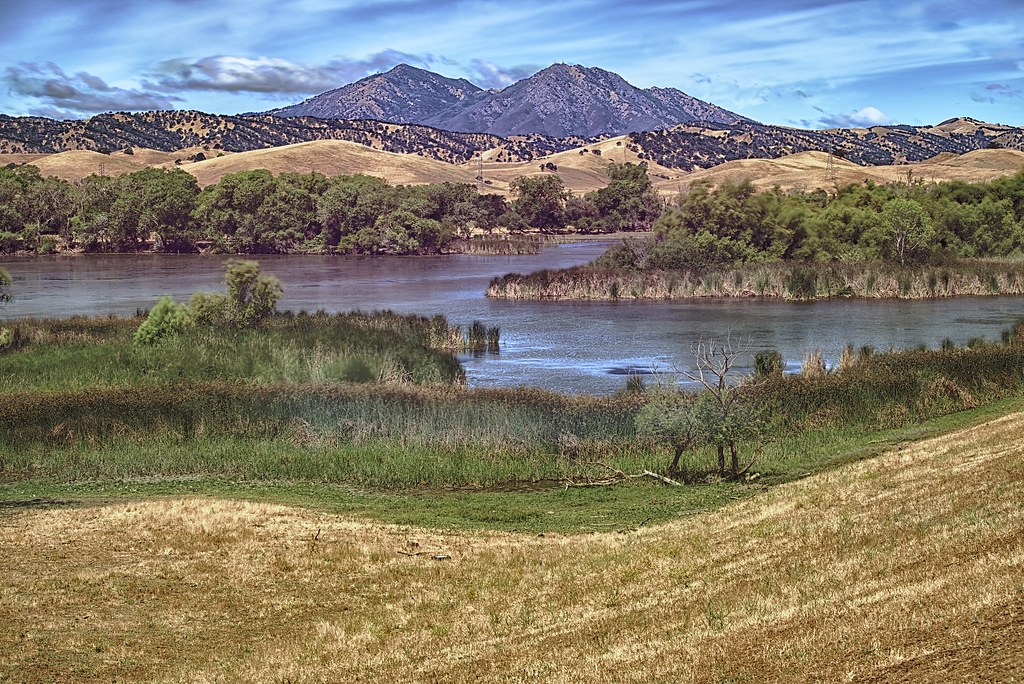
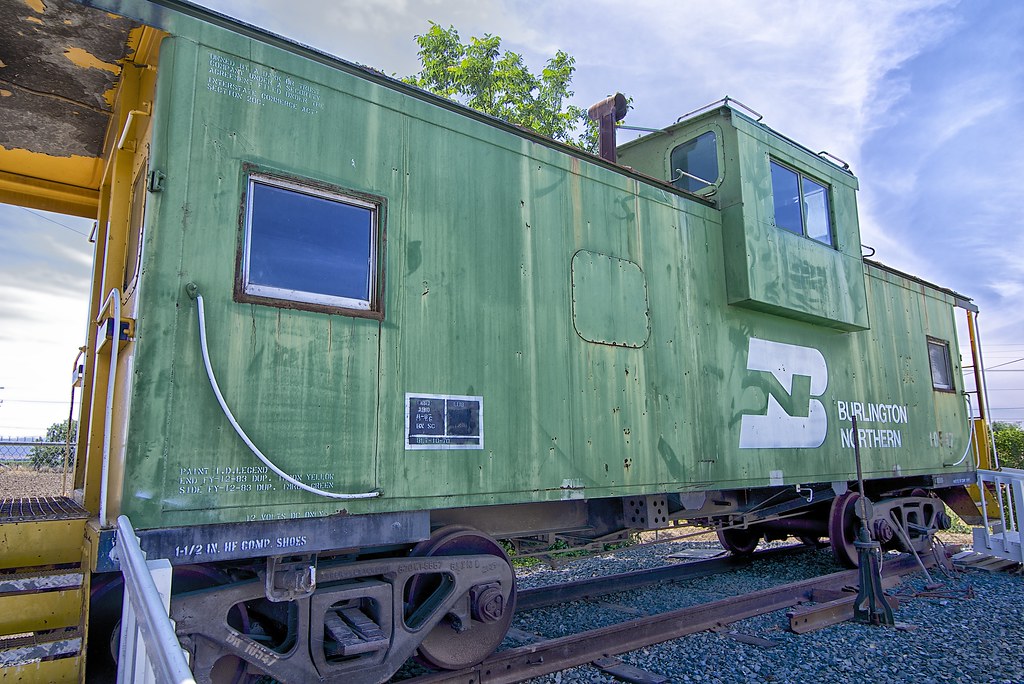
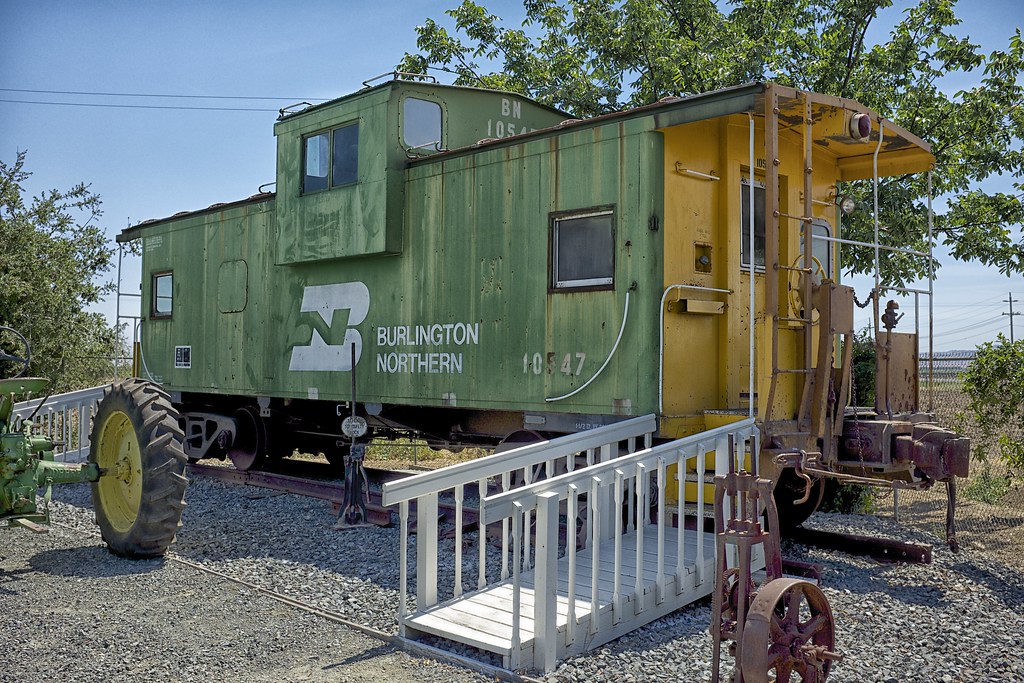
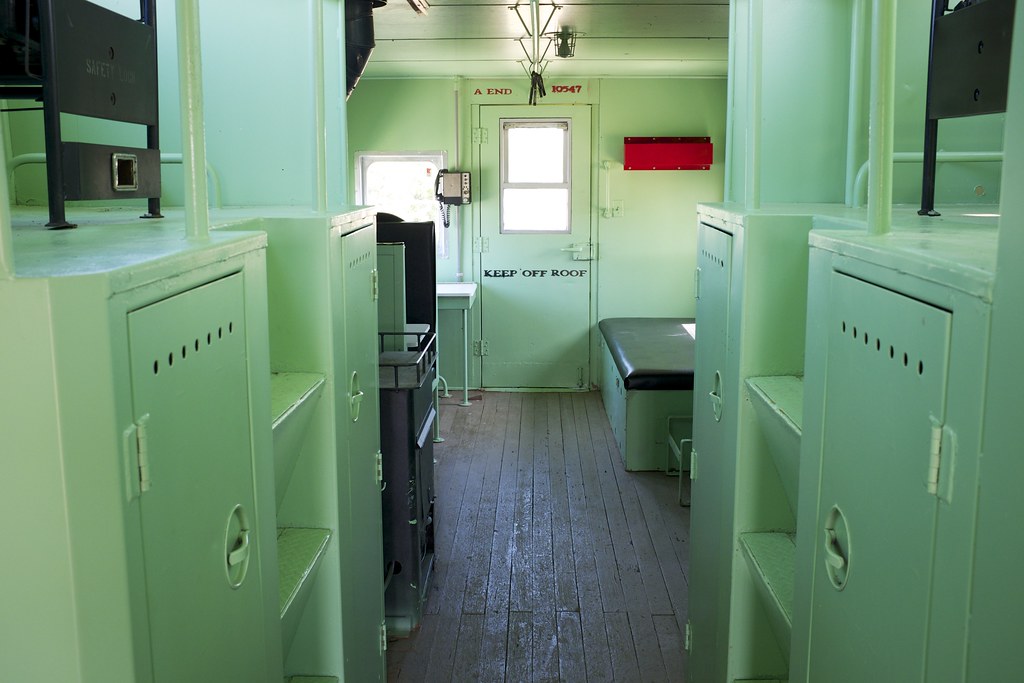
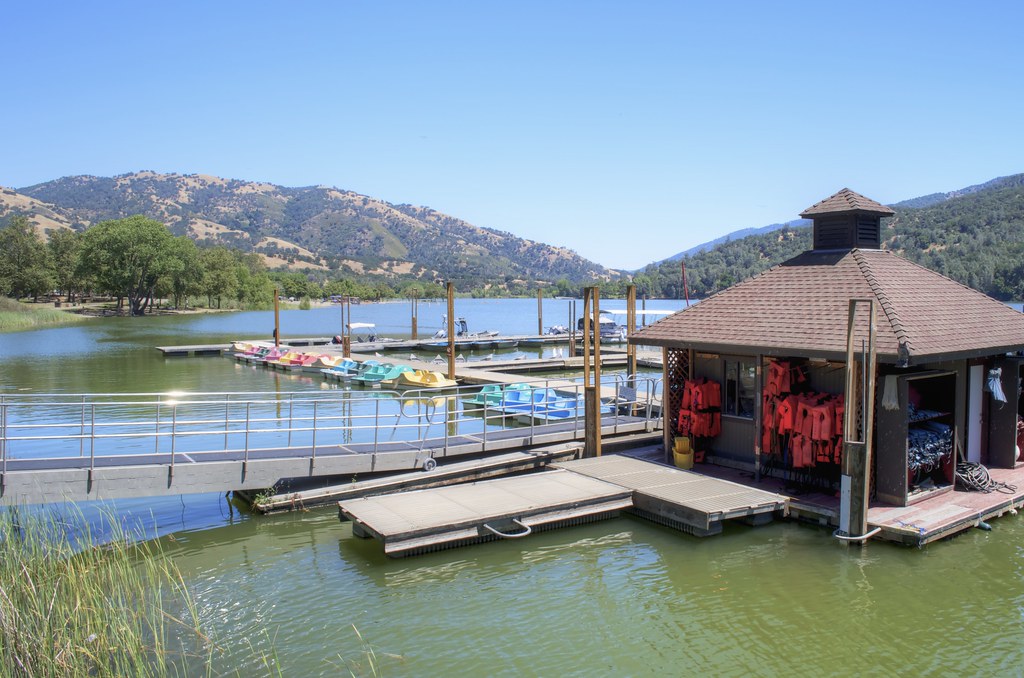
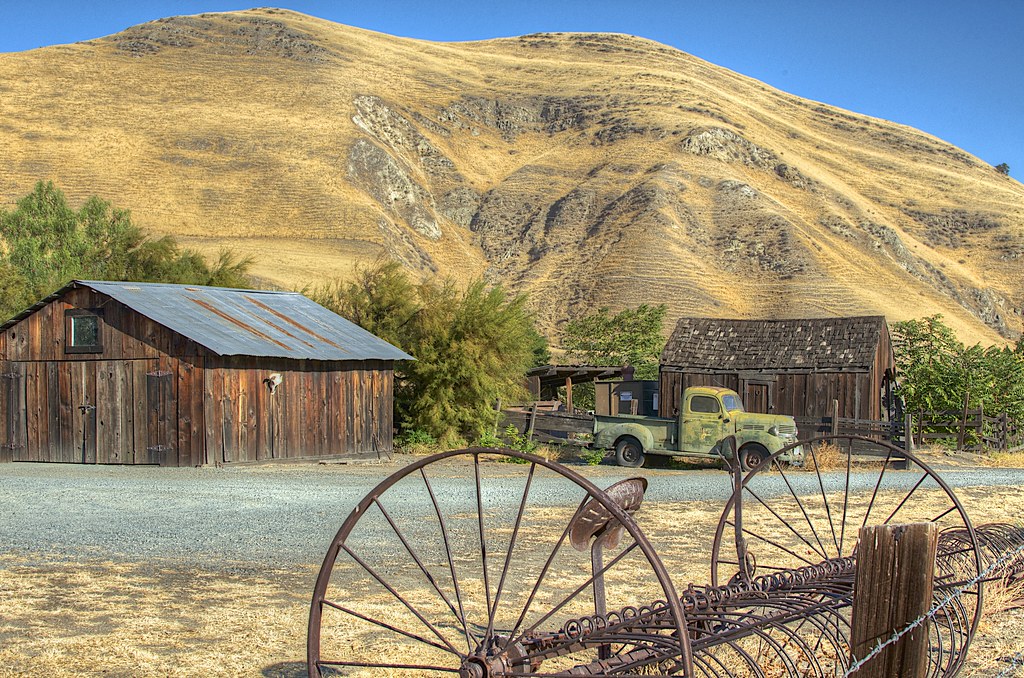
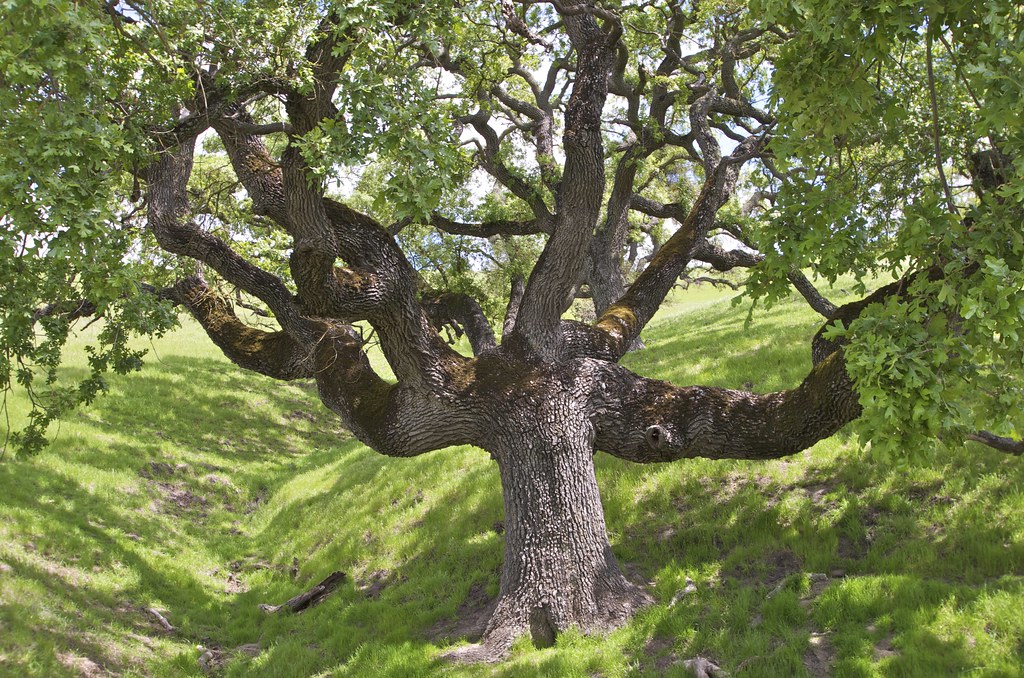
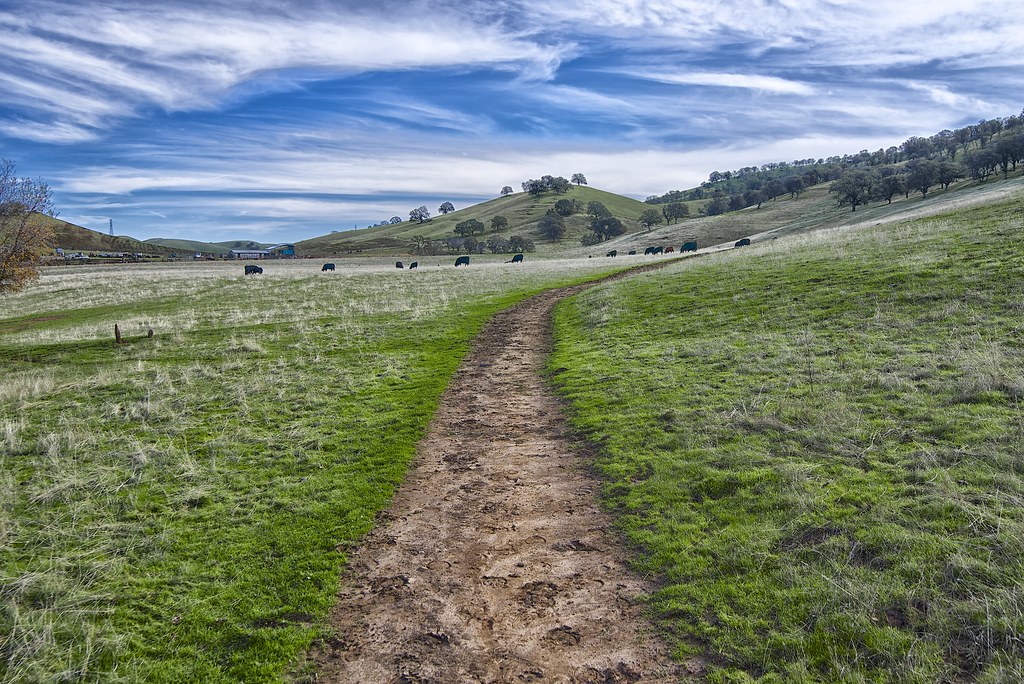
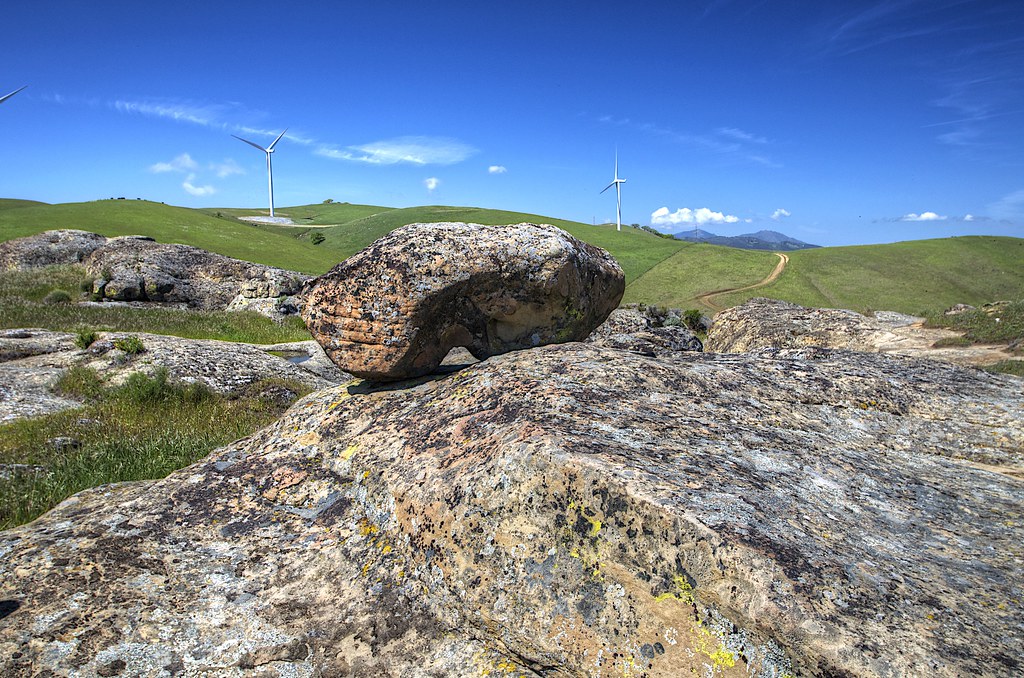
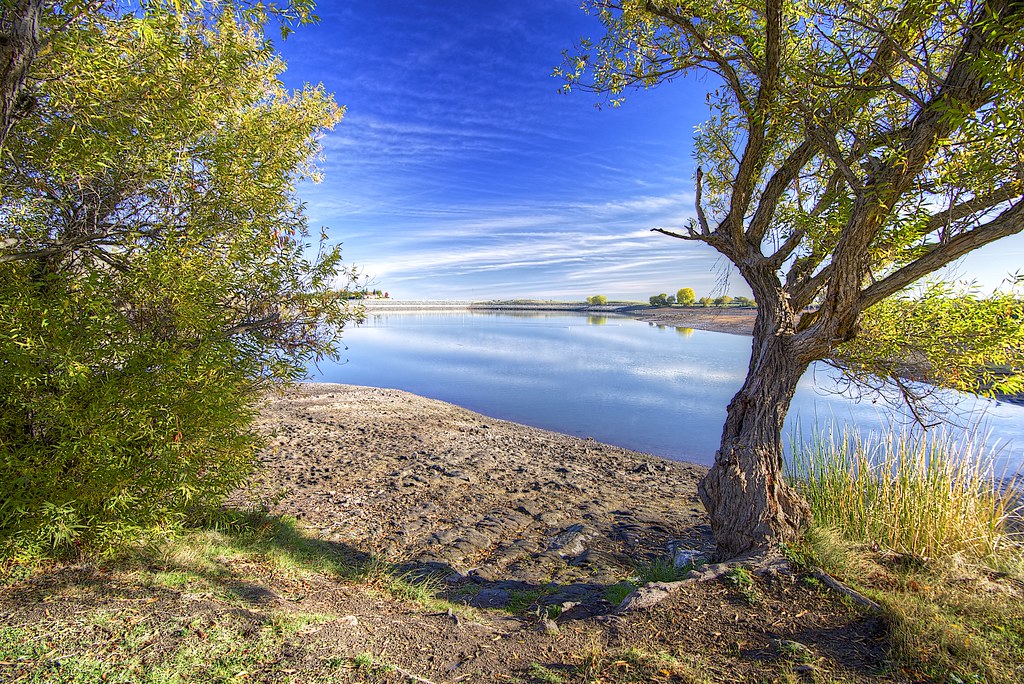
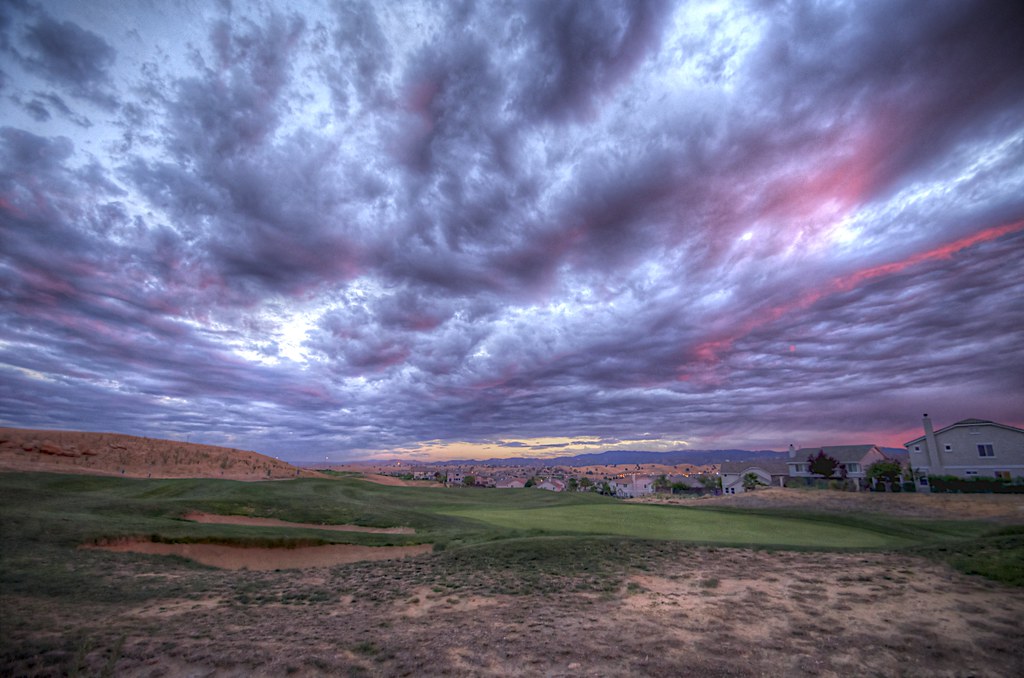
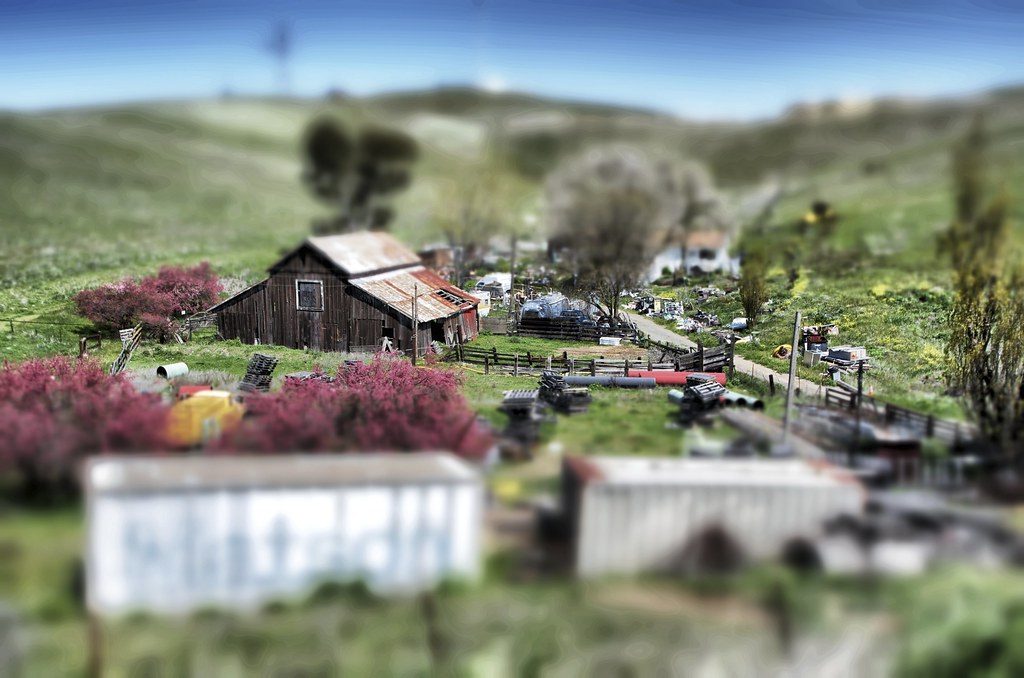
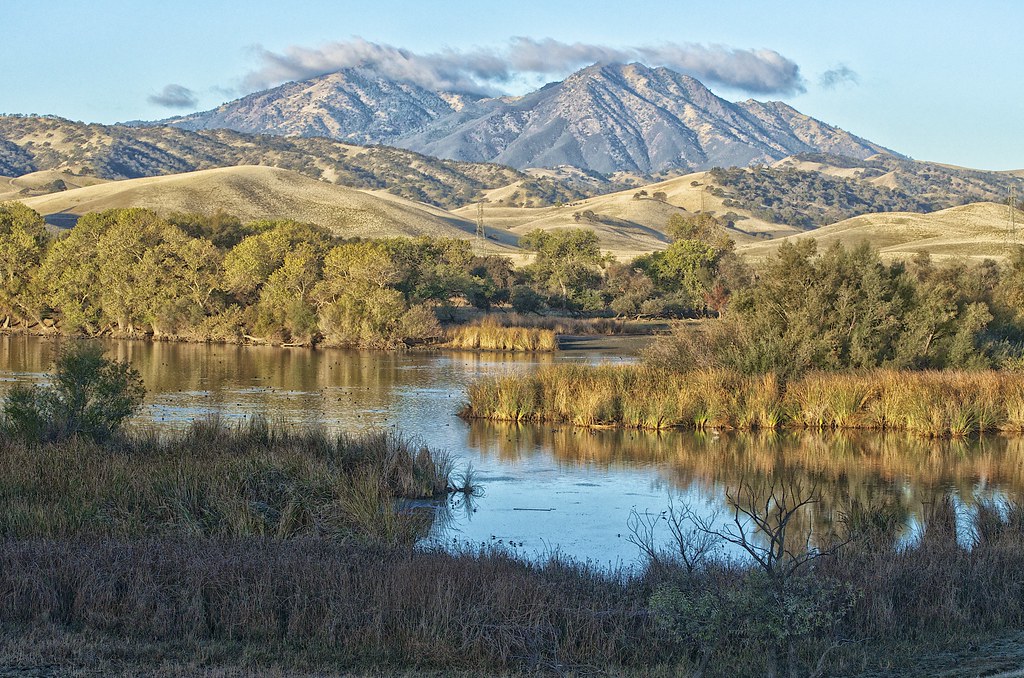
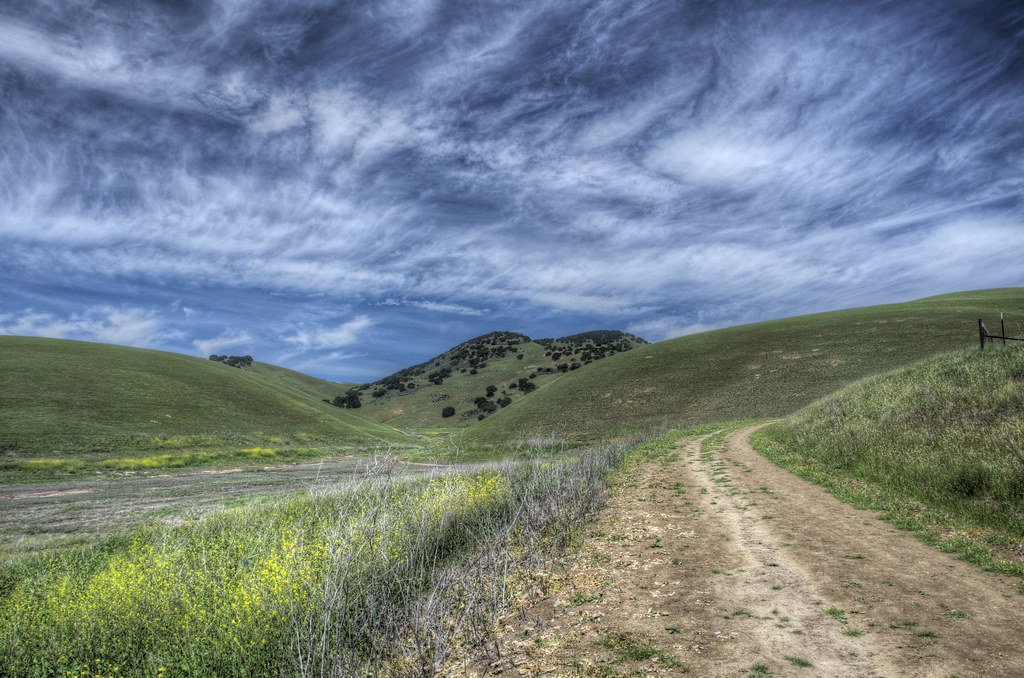
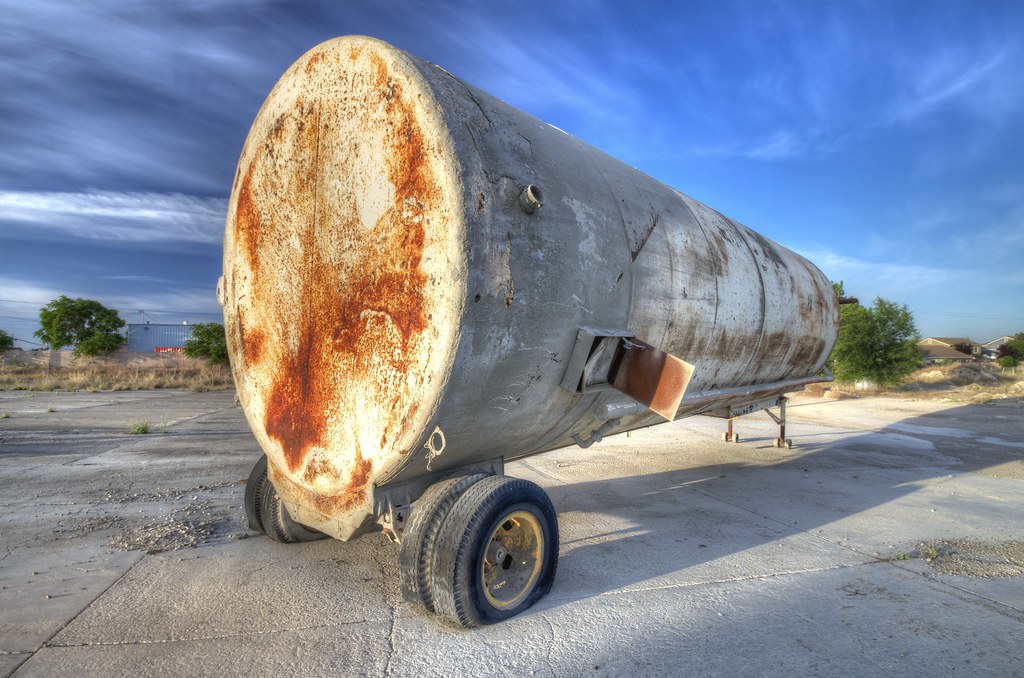
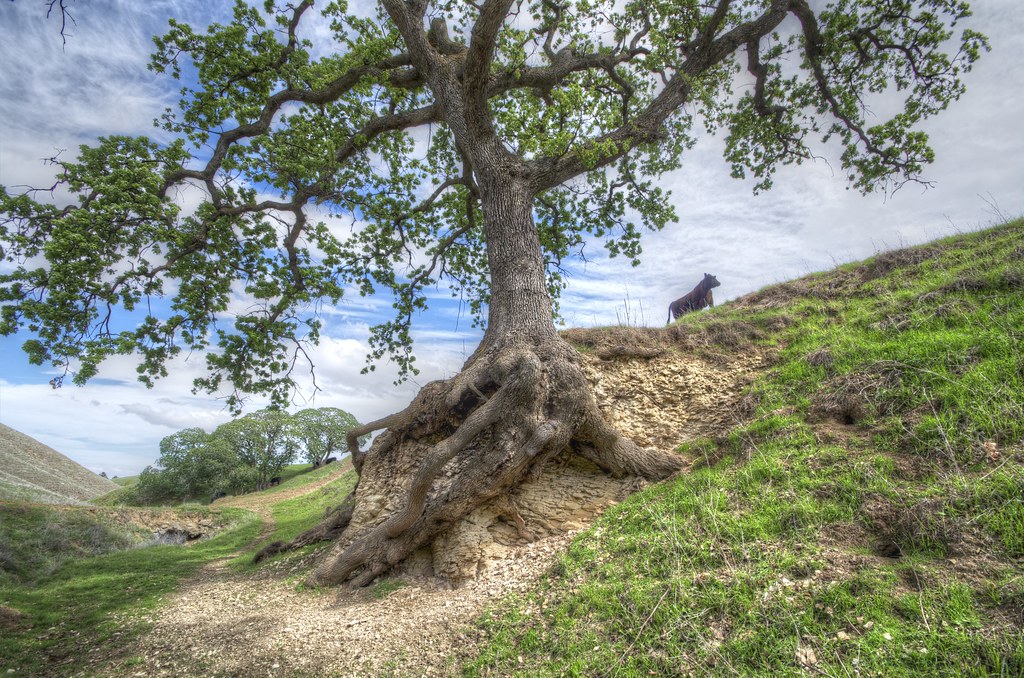
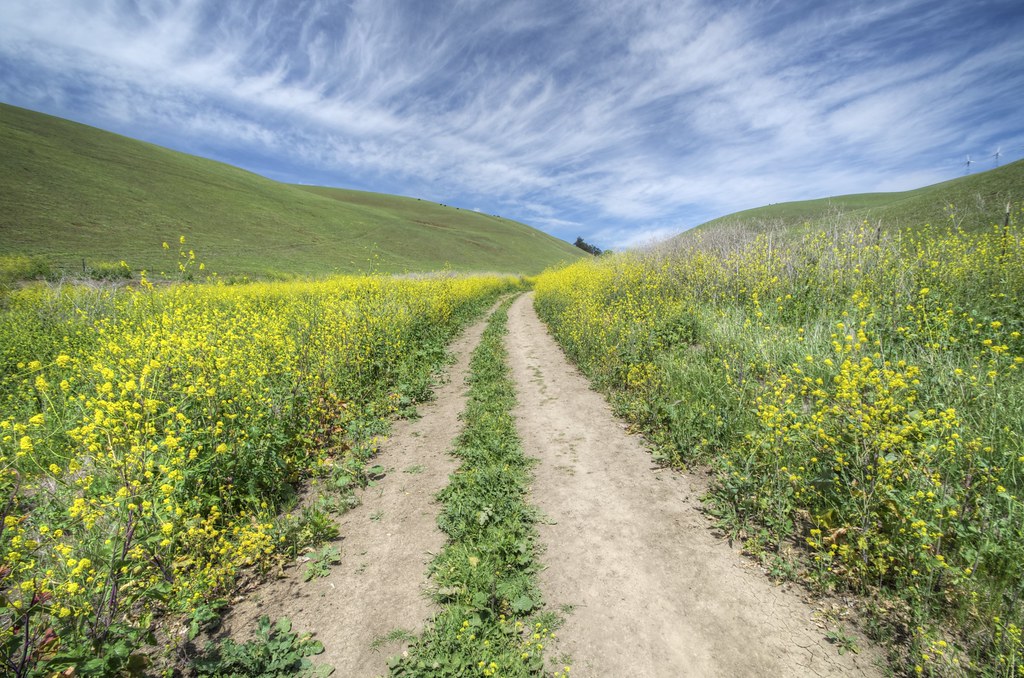
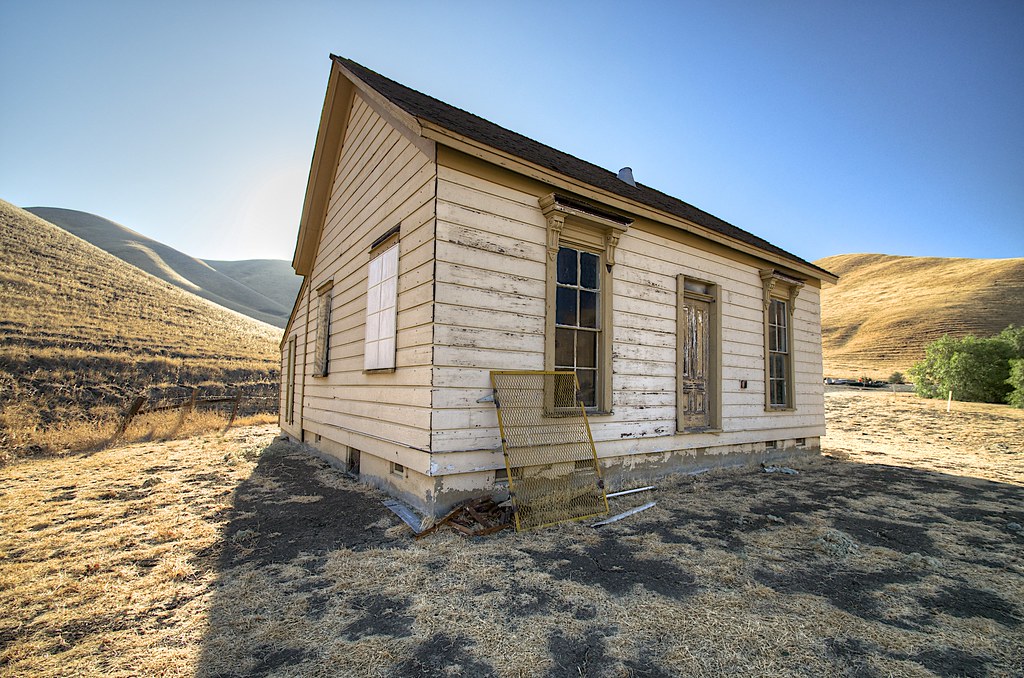
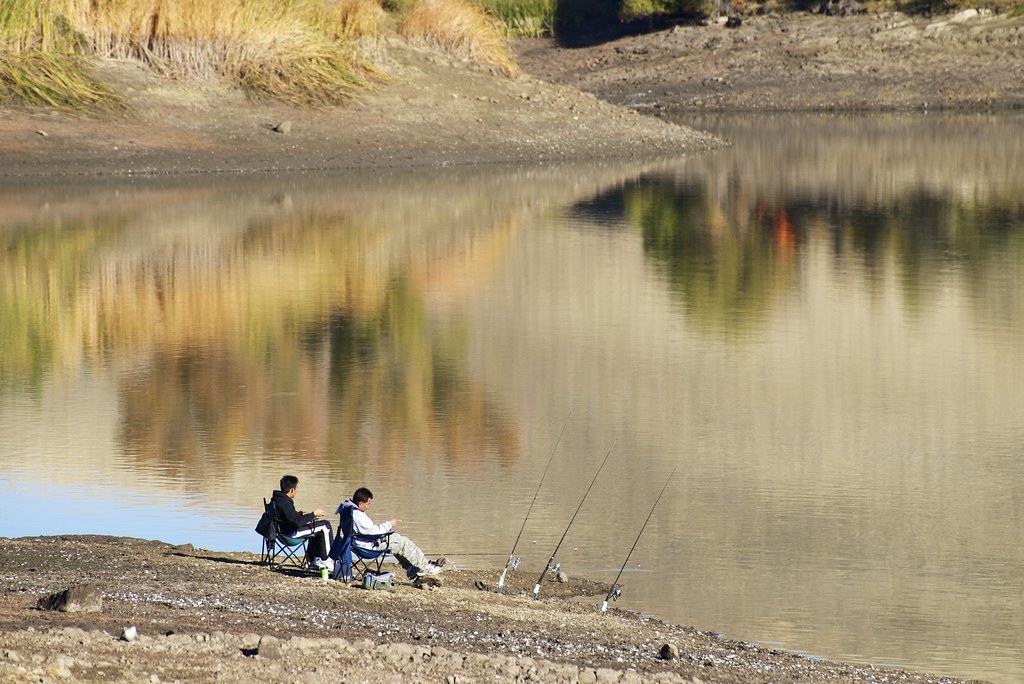
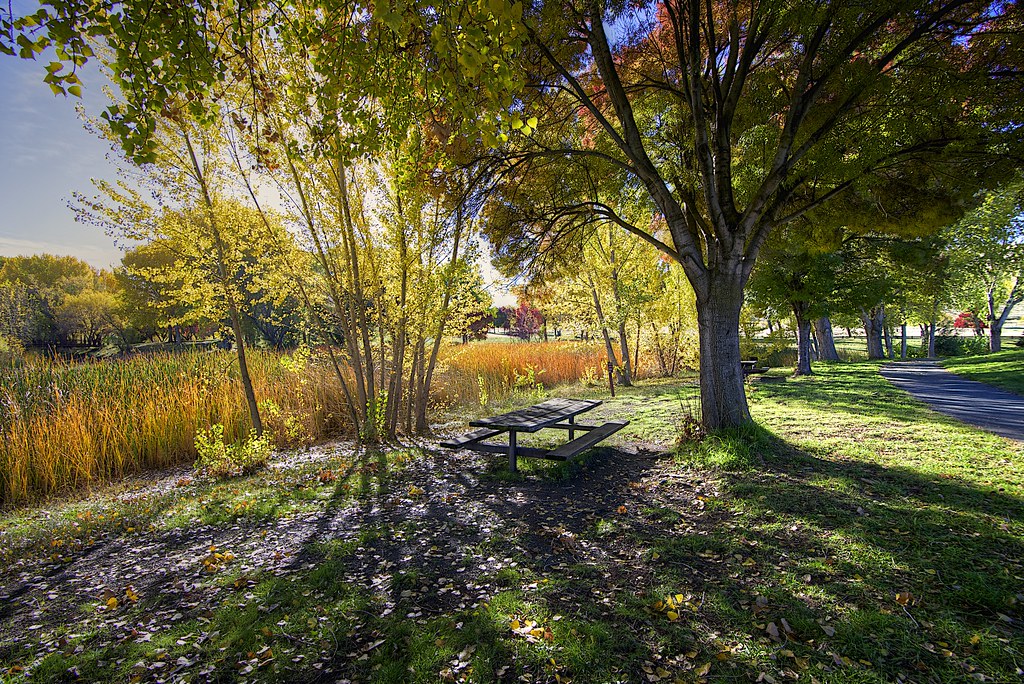
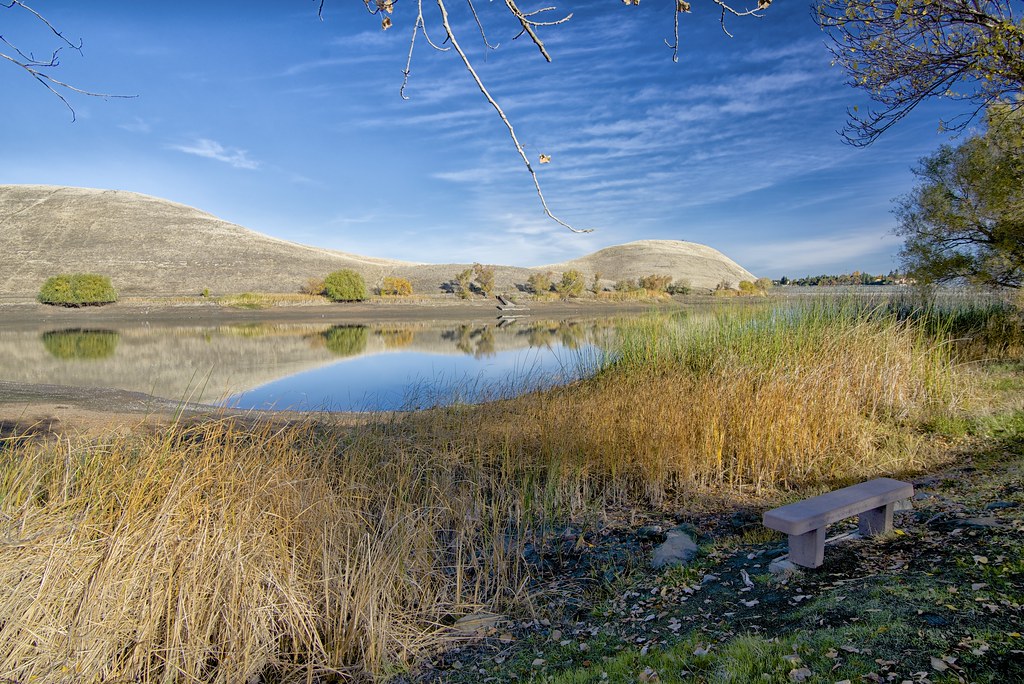
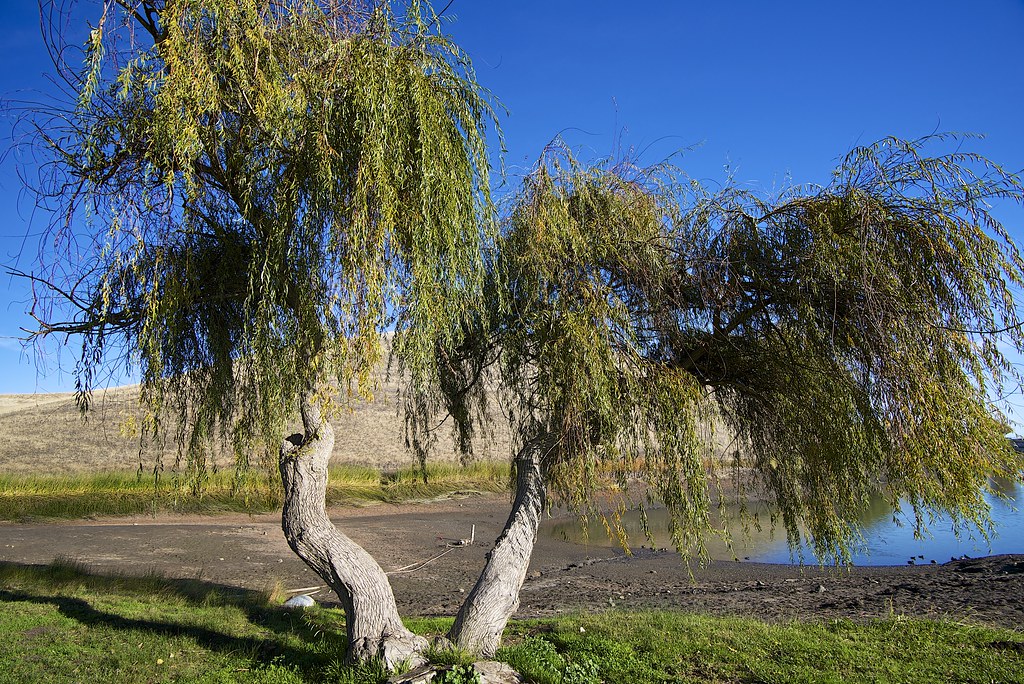
We are approaching the 1/2 way point for the year, so I thought it would be a good idea to post what I consider to be my best work of the year so far.  By the end of the year, I wonder which of these images will be removed from the list. Overall I feel like I have shot a lot of crap with very few "keepers". These are my keepers. What are your best pics this year?


Wednesday, May 22, 2013

My take on the big Flickr Change

Like many of you, the change at Flickr was pretty intense when I first saw it. Bang! Everything is new.  I actually noticed something was "wrong" the day before they went live with the new website. I was trying to upload some pics from Aperture when the upload failed and I had to re-authenticate Aperture with Flickr.  Maybe unrelated. Who knows.

Anyway, I have been a Pro subscriber for about 2 years now.  I use Flickr to store all of my edited images (good or bad) so that I have easy access to them when doing blog posts, tweets or any other time I need access to an image. Flickr has become part of my workflow.  Every day I check flickr for new activity and most importantly for the stats.

The Bad
Stats and Activity pages
What used to be as simple as visiting flickr.com now involves going to flickr.com and I then have go to a menu and select either "stats" or "recent activities".  The recent activity screen does not use the same layout of the old default activity summary.  I prefer the old summary.  I hear the free and "ad free" accounts have no stats. They should at least offer google analytics support.

Sets
I really do not like the new layout to view sets.  Before a visitor could see my most recent pictures and a list of the sets on the right side. Visitors would always see both.  Now sets are basically hidden and most people will never click on the Sets tab to see what sets I have created. Flickr went from offering us multiple layout choices to no choice at all.

"Edit Menu"
To view the "classic" Flickr screen with all of my photos, I have to click Edit. Silly. I don't want to edit anything. I want to view comments on my pictures and the total hits.

On my 13 inch Macbook, 1/3 of the screen is taken up by the cover photo in the edit screen. Once I start scrolling I can only see 2 rows of pictures. I can live with this, but still annoying.

I wish I could view this "classic" layout on everyone else's page, like we could before.

Once I click on a photo I get the new super ugly picture layout which forces me to scroll down to view comments from users.  I challenge you to figure out how to view different sizes of your own image.  No obvious menu exists for this. If I right click on my photo, I get an annoying window with size choices:


Cover Photo
Did you notice that the Cover Photo interface allows you to only select "recent" pictures or upload a picture. What are they thinking? The entire reason Flickr exists is to store my photos, yet I can't pick an old photo as my Cover image. I have to upload an old photo that I have already uploaded to Flickr six months ago. #fail. Pathetic design choice.  The list of these recent photos appears to also be at a low resolution, which is just ugly. I should have access to my entire photo collection.

Ads
I still have ads on my Groups list. I know I am just a "Pro" user and not "ad free", but that seems like a mistake.

Buttons
The new buttons within the interface do not have tool tips, so you don't know what they do until you click the button.

Contacts
The only thing I like about the new interface is that I can see big versions of my contacts pictures. I am clicking the star more often for my contacts.

Bottom line
I think Flickr screwed up with the new pricing model. They have increased the price for anyone who doesn't want to view ads and who isn't an old "pro" account holder. Not only do you pay twice the price of the old pro account, but you get less for the money.  You don't get "unlimited" storage and you don't get stats. 1TB of storage is just smoke and mirrors so that you drink the KoolAid. 1TB of storage is great buzz for the press, but what about the things you don't get?

I want a layout choice.  The best thing Flickr could do is to offer a "classic layout" choice.  When most websites roll out major changes, they give users a transition period at the least, which includes a button to switch between layouts. Flickr didn't consider this or just didn't care about the existing customer base.   Am I going to stop using the service?  No. It still serves my needs, I just have to click a lot more to get things done.

Saturday, May 11, 2013

More Nikon D600 vs Fujifilm X100s

I have been shooting with the x100S for a few weeks now and every day I use it, I am more impressed with the Fujifilm image quality. At times I love the results much more then the Nikon D600.  In mixed lighting situations, I find I have more control over the x100s.

A few comparison shots:
D600

X100s
Windmill

X100s

D600
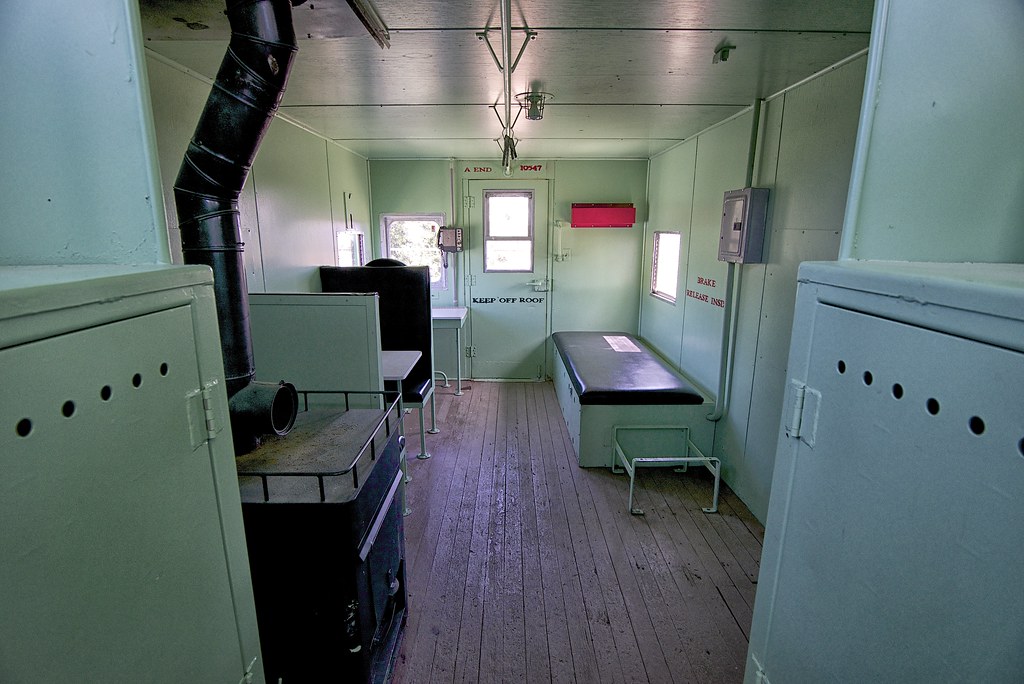
Interior of a train

X100s

D600
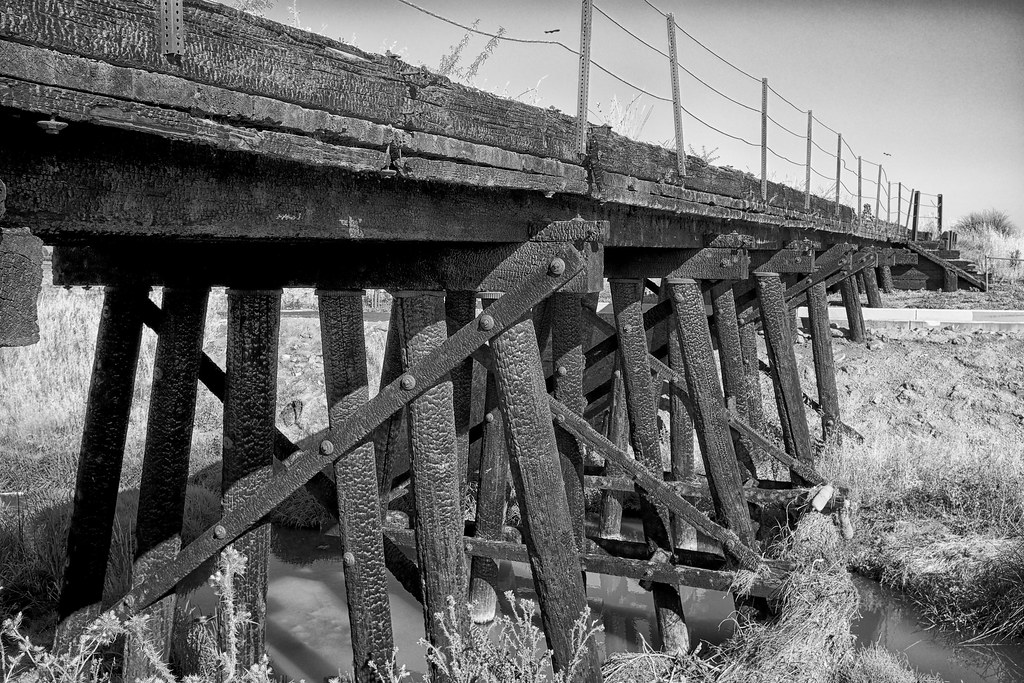
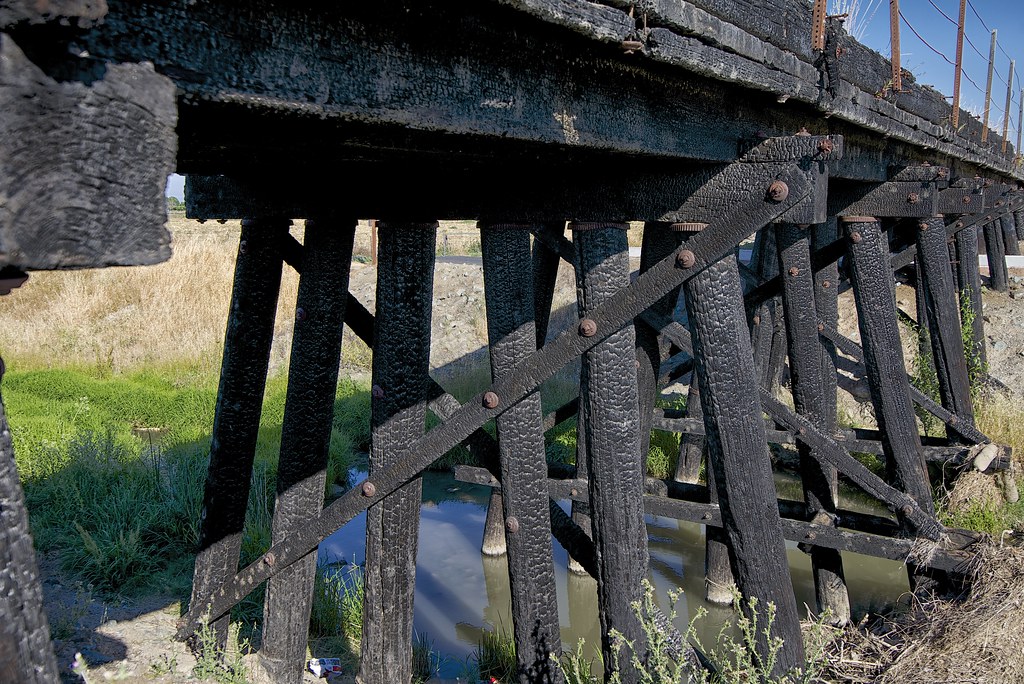
Burned Bridge

X100s (B&W)

D600

Cash Register

X100s

D600


Wednesday, April 17, 2013

FujiFilm X100s vs Nikon D600

I wanted to post a comparison of some pictures taken on the Nikon D600 vs the FujiFilm x100s. These pictures were taken about 2 days apart around the same time of day.

Images were edited using Color Efex Pro.

D600
X100s
D600


X100s

Saturday, March 16, 2013

My first sensor cleaning

As I have noted before, I am one of the many who has experienced the dirty sensor issues of the Nikon D600.  After already sending my camera to Nikon once (at around 2500 images) for a "real" cleaning, I was not in the mood to wait 3 more weeks for another cleaning by Nikon.

I am at around 4000 shutter clicks right now and images taken at f16 using my 50mm Nikon lens were full of probably 40 small dust spots.The spots were not nearly as visible with my Tokina 17-35mm lens.

50mm at f16. Image enhanced to show the spots
I purchased a wet cleaning kit and used probably 10 or more swabs over the sensor in an effort to get things clean.  Pretty scary process at first, since I had never done this before. At one point I had made things worse. The end results were far from perfect but I still think it is an improvement. What do you think?
Below is a sample image after cleaning.

50mm lens at f16 AFTER cleaning. Image enhanced

50mm at f8 AFTER cleaning. Image enhanced
Image enhancements done with Color Efex Pro.

UPDATE:

I have been shooting for over a week since I cleaned the sensor myself and so far I haven't seen a single spot. This has probably been the first time since sending the camera back to Nikon that I have been dust free.

Image 4500 taken today:


Cleaning was done with a Sensor Swab kit:
https://secure.copperhillimages.com/shopping/pgm-more_information.php?id=45&=SID#MOREINFO

Thursday, March 7, 2013

Before and After

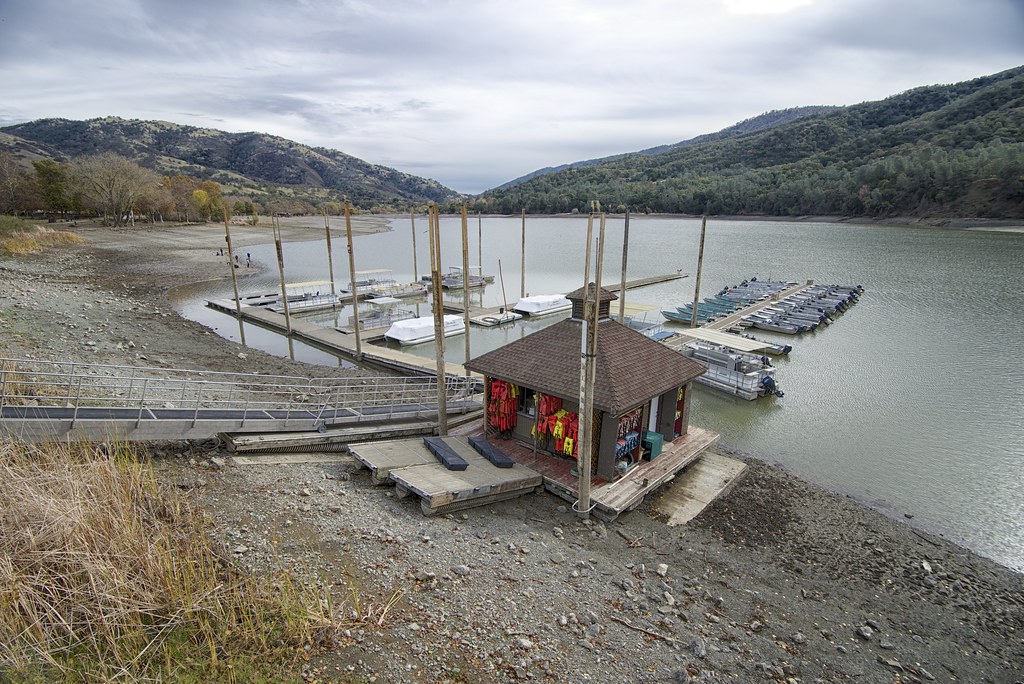
I haven't made a blog post in a while, but I thought it would be interesting to post a couple of pictures that show the water level at the EBRPD Del Valle Park has dropped dramatically in the past year and a half.

June 2011
December 2012
Note the water gauge to the right of the building
I haven't been to the park since December, but I suspect it isn't much better. I may return in June 2013 to see if it is much lower.

Sunday, February 10, 2013

EyeFi Cards and the Nikon D600

I have been using EyeFi memory cards since I first saw them at Macworld many many years ago. I probably bought an EyeFi card within the first few months the company put the cards on the market. In total I probably own 4 or 5 cards with capacity going up to the new 16GB card. All of the cards have been reliable and the wireless upload with Geotagging of images had been fantastic.

With the Nikon D5100 I had no problem using the card. It was a little slow to upload to my computer but I didn't mind the wait.  Now with the 24 megapixal D600 I am finding that the wireless download time of a RAW image is just unusably slow. JPEG images upload really fast but RAW is impossible.  With 200+ RAW images taken on a typical shoot, it would take hours and hours to complete the download.

With the slow download, I am finding myself removing the card from the camera and putting it into the iMac's SD card slot and doing a drag and drop so I edit my images.

Just to be clear, I do not think the card itself is the main source of the problem. Home internet connections are great when downloading from the web, but uploads speeds are pretty bad.  The EyeFi card uploads every image to the web and returns it to your local computer and that is just a super slow process.

If anyone has suggestions for getting a faster download of a RAW file from an EyeFi card, let me know. For now, I am probably going to drag and drop my images even if that means the file doesn't get a geotag.

UPDATED 5/5/2013

I recently made a minor change to my wireless network and suddenly I have seen a speed increase in my Eye-Fi transfers.  In the Wireless settings of my Airport Extreme I changed WPA/WPA2 to just WPA and suddenly transfer speeds jumped. Not sure why, but that is the only change I made to my network.  The Eye-Fi card is working fast enough now to use it with the D600 RAW files.

Sunday, January 20, 2013

HDR Showdown

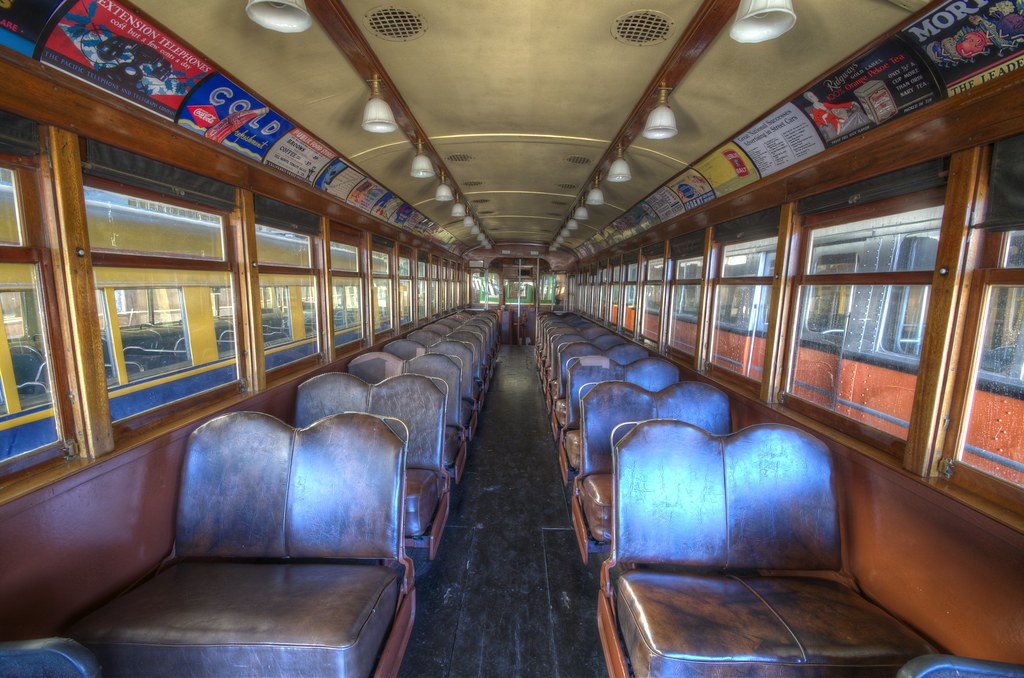
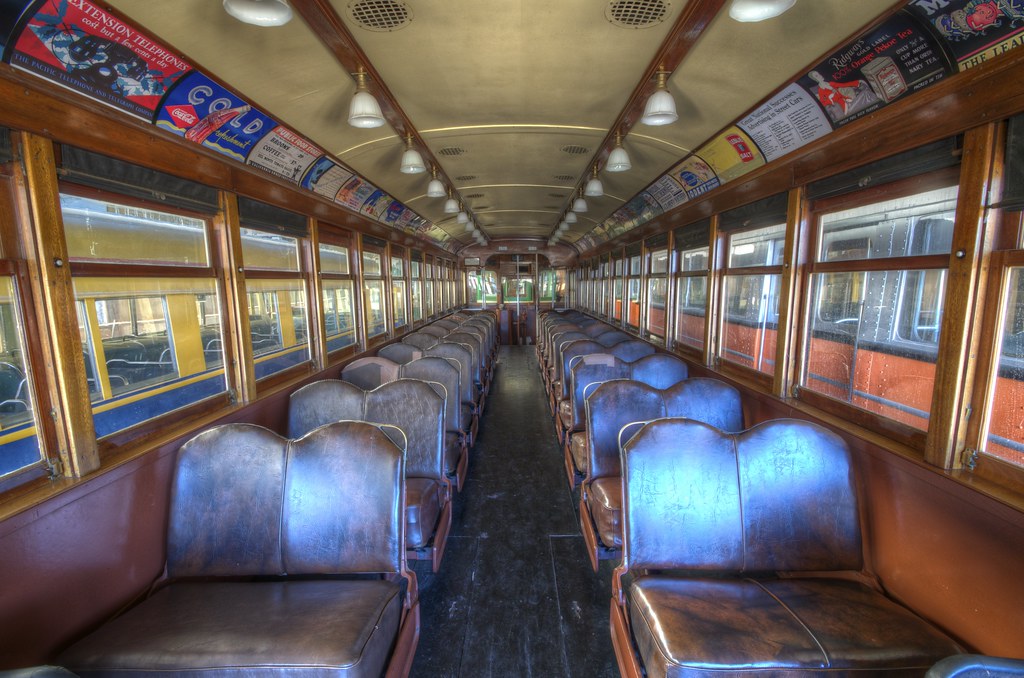
If you have been following my blog, you will know I am a big fan of train interior shots.  I have always considered the below train interior image one of my best pictures.  Originally it was taken as a 3 shot bracketed HDR edited with Photomatix.

I have been using Photomatix for my HDR work for over a year but I haven't really been happy with the "softness" that the images produce.  Today I purchased a copy of HDR Efex Pro and re-edited the image.  The difference in quality is stunning. HDR Efex Pro left a brighter, more realistic image that is sharp and clean.  Look at the details in the train ceiling. Look at the richness of the wall colors.

I am hooked. HDR Efex Pro rocks. The editing controls are simple and clear. The detail it produces is fantastic. But at the same time, it is far from perfect. I tried to re-edit a bracketed landscape image from last year and the Photomatix results are fantastic while HDR Efex Pro really made a mess out of the image.  I think both products are great to have, depending on the image type.

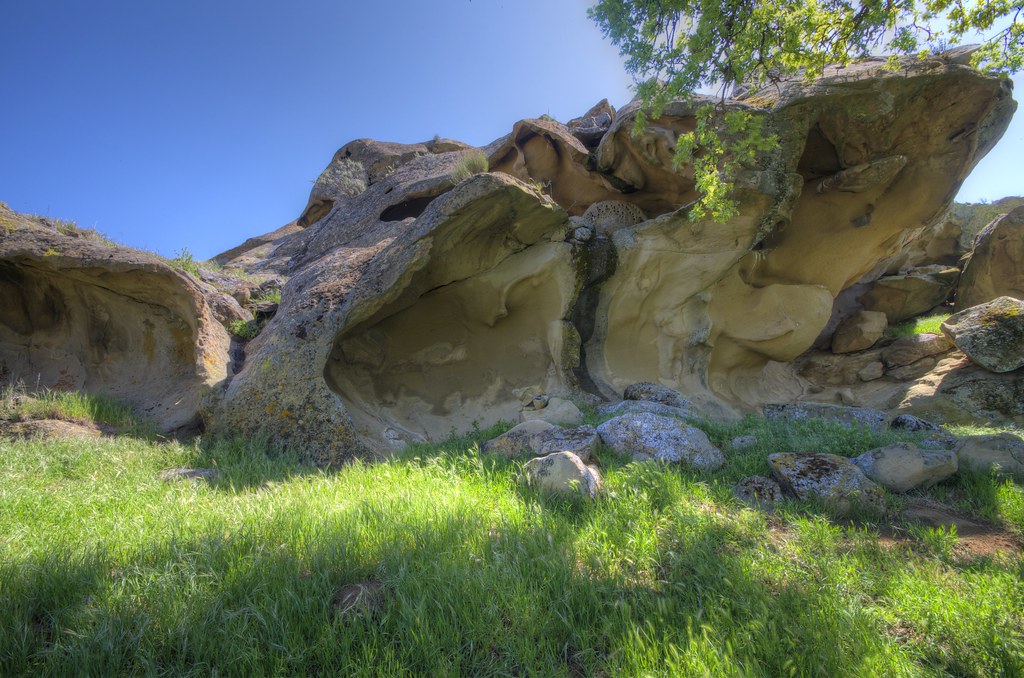
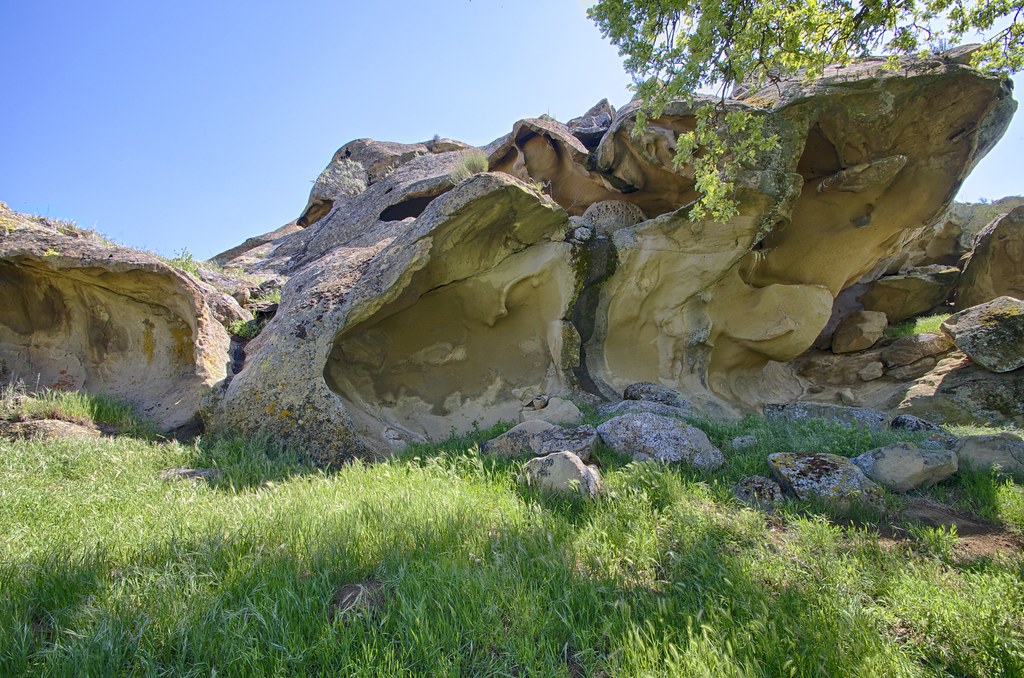
I played around with some bracketed image of Vasco Caves and found that Efex Pro did a nice job. You can see the image is slightly sharper.


Photomatix HDR

HDR Efex Pro

Photomatix

HDR Efex Pro

Saturday, January 12, 2013

D600 repair status


Just giving an update on my repair.  Nikon received my package on Wednesday. Saturday morning they sent me an email with my service number and details:

1) Covered under warranty. No cost
2) Problem Description from Nikon: • EXPOSURE OFF -- OVEREXPOSURE • CHECK SENSOR - CLN -
3) Category is a B2: Moderate Repair-Major parts replacement.

Wonder what would qualify for major parts replacement?

Thursday, January 10, 2013

New Online Store

Yes, I have tried this in the past but I think I finally found a really simple and fast online store for photographers who may not need a fancy custom store.

The store comes from Image Kind, which appears to be the same company that owns CafePress.

Setup is easy. You can login with your Flickr account and you can import your images directly from Flickr.

They have pricing options from free to under $99 a year. You pick your pricing and markup for the items you sell.

So go ahead and check out my store. And of course buy something:

http://rhmimages.imagekind.com/store/

Saturday, January 5, 2013

D600 Sensor spots

After 2000 images on my D600 I decided it was time to send it into Nikon to have the sensor professionally cleaned.  The amount of dirt was just out of control and it was becoming too hard to "repair" every spot.

Below is an cropped example of the upper left corner of an enhanced image that shows off the amount of dirt/oil/dust that is stuck to the sensor. If you look at a larger view of the image, you can see at least 15 spots.


I took about 500 more "junk" shots to get the count to 2500, packed up the camera and shipped it off for repair. I hope Nikon is fast.


Wednesday, December 19, 2012

Best of 2012

I wanted to figure out which of my images would follow into the "Best of 2012" category.  I have shot a lot of crap, but I have also shot a few pictures that I am really happy with.  The following would be the top 15 based on visitor popularity and my own preference. They appear in no specific order.

HDR image of a train from the Western Railway Museum
Residence at Black Diamond Mine regional park
Old Oak at Sycamore Valley regional park
Round Valley regional park
Vasco Caves regional park. Access by guided tour only
Contra Loma regional park
Sunset over the Green
My best editing work of 2012- "Tiny Farm"
Mt. Diablo seen over Marsh Creek
Brushy Peak regional park
Rusty tanker in Brentwood CA. Love the flat tire.
This tree at Black Diamond Regional Park was a finalist for the 2012 calendar
Macro shot at Los Vaqueros Reservoir
Brushy Peak Regional Park
Old building at Black Diamond Regional Park

Saturday, December 15, 2012

All washed out

Since upgrading to the D600 I have noticed that many of my landscape shots are super over exposed and washed out. Almost everything involving sky requires me to change the exposure compensation to make strong adjustments to prevent the image from being totally washed out.

Over exposed at f8 in Aperture Priority Mode (unedited raw). Circular Polarizer
Same location but with adjusted exposure at f8. Circular Polarizer (edited)
When using the D5100 I never experienced a single over exposed image. Yes, I am using a totally difference lens but the problem has been pretty crazy.  I do not know if it is because the full frame is more sensitive to different types of light or if something is going on with the D600.  When I have done shooting in low light environments, the exposure has been really great. It's bright light or mixed light that is causing trouble.

I went ahead and ordered a B+W graduated ND filter that will give me a 2 stop difference. Looking forward to seeing if it helps correct the problem. 

Friday, December 7, 2012

That didn't last long

Less then a week ago I created a webstore at Photoshelter and I have already deleted the page.

I spent a long time setting it up but closed the page for a few reasons.

1) After about a week I basically had Zero visitors, even after advertising the page to current followers.
2) I already have 500px to sell large canvas prints
3) I got a call from my credit card company that someone was using my credit card number without authorization to shop at Starbucks. That credit card has only been used in a couple of places in the past month and one of them was at Photoshelter.  I am not saying that Photoshelter was hacked, but with the bank sending me a new credit card, I decided to minimize my risk by not leaving the new number on the site for re-billing each month. So to avoid the hassle, I just closed the page.  Maybe I will open it again one day in the future.

Sunday, December 2, 2012

Photo Store

I spent some time trying to decide if I wanted to open up an online store. I looked at SmugMug and Photoshelter and after testing both sites, I found that Photoshelter had a better interface and just seemed easier to setup.

So after a few hours I have created a new online store to sell prints.  I will continue to make changes to the layout and see what kind of traffic it generates.


Stop by and make a purchase.

http://store.rhmimages.com


Thursday, November 22, 2012

Going Full

I made that great leap to a full frame camera this week with the purchase of a Nikon D600. Combining that with a Tokina 17-35mm F/4 has been a great mixture for landscape work.

With the jump from the D5100 to D600 I was a little worried that the larger RAW file sizes would slow down my post processing workflow, but my iMac has handled things really well. I don't think I have noticed any difference in file load times or the time it takes to apply file changes.

Overall I was really impressed with how much faster the camera is and how much more detail comes out of each image I was taking.

I haven't had a lot of time to shoot, but I pulled together a few shots with the Tokina and a Nikon 70-300mm.

One of my fav. images of the day. Love the water reflections


Sunday, November 11, 2012

Wide Angle Circular Polarizers

I have been doing some research info Circular Polarizers for an 82mm filter thread. I have been trying to decide between a B+W XS-Pro Kaesemann at over $250 and the Marumi DHG at under $100.

I have been using a 77mm Marumi with my Tamron lens for over a year and I have always been happy with the results. The build quality is great and at only 5mm thick it is thinner then the B+W, it has been great at wide angles.

At this point I do not see any advantage to spending the extra money on a B+W when Marumi has great reviews, is reliable and produces great quality images.

Time for an upgrade

I think I have finally made the decision. Time to upgrade to a Nikon D600.  I don't see a D7100 coming any time soon and I don't want to wait. 

One of my challenges was how to deal with a full frame camera and an Ultra Wide Angle lens on a budget. With some more research I found the Tokina 17-35MM F4 FX AF for Nikon which appears to really well liked.

So for now I am looking for a buyer for my D5100 and waiting to see if any special deals come along for the Xmas holiday which could give me a lower D600 price or some type of bundle.